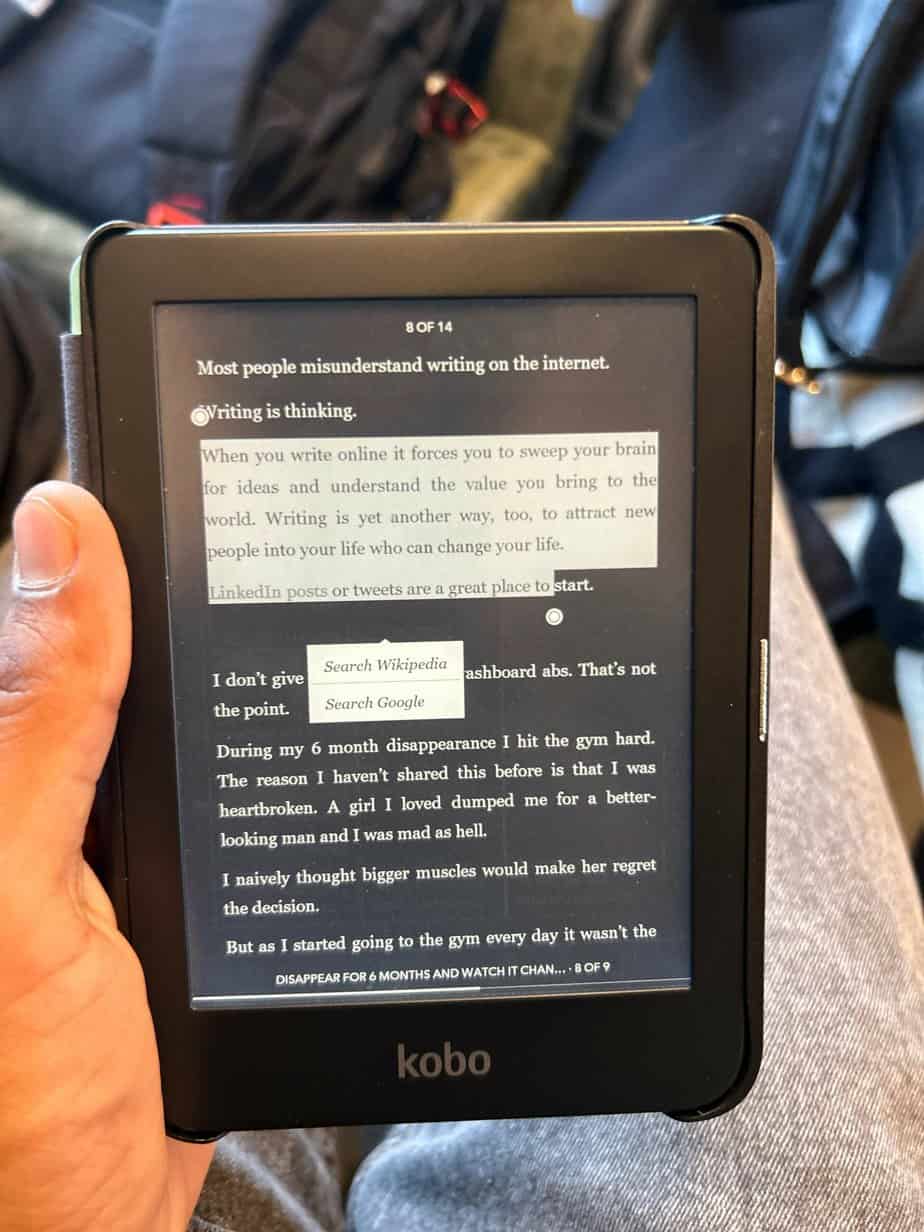
Why Pocket Kobo Doesn’t Allow Highlighting: Explained
Kobo only provides a viewer for Pocket on its devices. However, it’s essential to note that the software used for this service is not developed by Kobo but is actually owned and developed by Mozilla. This distinction sets the stage for some of the limitations you might encounter. Highlighting in Pocket When it comes to highlighting text within your eBooks, Pocket only allows this feature in two specific environments: Pocket Web Pocket Android app. While this might be a welcome feature for many, there’s a catch. If you wish to add more than three highlights, you’ll need to subscribe to Pocket’s paid plan. Unfortunately, the options are limited beyond these platforms. Highlighting Limitations on iOS, Kobo, and Desktop Apps If you’re an iOS user or prefer reading on your Kobo device, you’re out of luck when it comes to highlighting. These platforms don’t support the highlighting feature within Pocket. It’s a significant drawback for those who enjoy using Pocket on multiple devices and expect a consistent reading experience. Pocket’s Lack of Note Support In addition to highlighting limitations, Pocket also falls short in the note-taking department. Regardless of the platform you’re using, whether it’s Kobo, iOS, Android, or desktop, Pocket doesn’t support the feature of adding notes to your eBook content. This could be a deal-breaker for readers who heavily rely on taking notes and annotations as part of their reading routine. In summary, if you’re using Pocket on your Kobo device or any other non-supported platform, you won’t be able to access the highlighting and note-taking features. It’s important to understand the platform’s limitations and decide whether they align with your reading preferences. If these features are essential to your reading experience, you may need to explore alternative eBook management solutions that offer a more comprehensive set of tools to enhance your digital reading experience. As the technology landscape evolves, there’s always the possibility of future updates and improvements. However, for now, these limitations remain in place, and it’s essential to manage your expectations accordingly. Sources How to make notes Pocket Articles by u/ishehraj in kobo About Author I'm Shehraj Singh, I started the eReader.blog to help people learn more about eReader specifically Amazon Kindle, and help them fix any issues they may have. I have a lot of experience with Kindle, and I want to share my knowledge with you so that you can make the most out of your device.
Preview: ~403 words
Continue reading at Ereader
Read Full Article