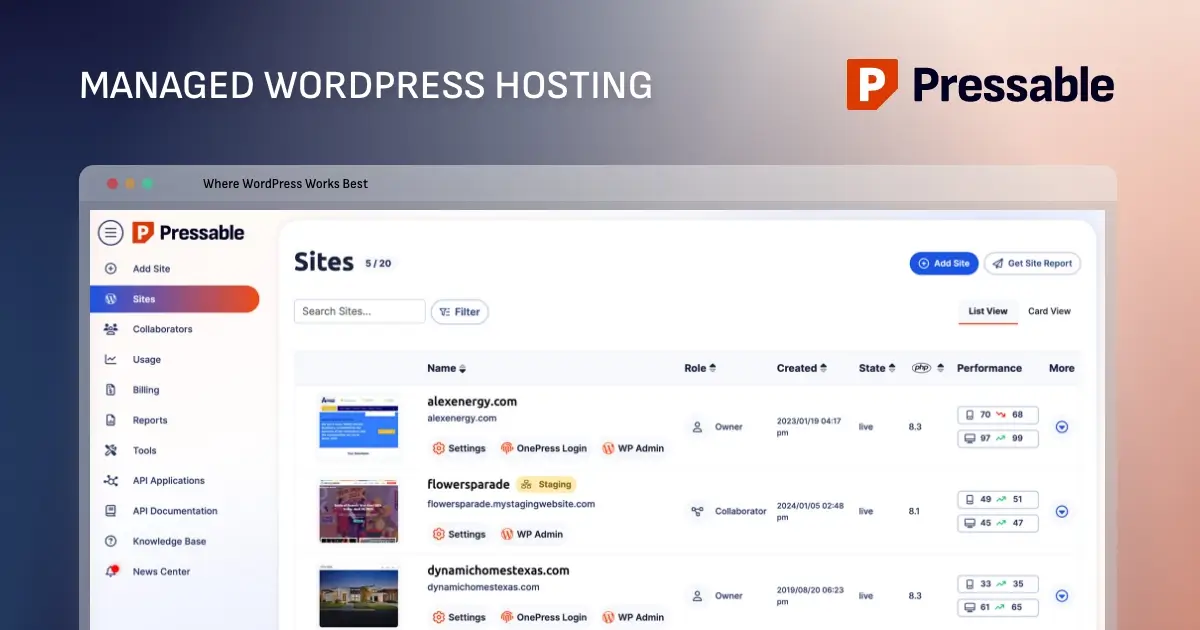
How (and Why) to Migrate Your WordPress Site to Pressable
How (and Why) to Migrate Your WordPress Site to Pressable If you’re running WordPress for your own site or client projects, a managed WordPress hosting solution can save you time and stress. Managed hosting takes care of server maintenance, security updates, and technical issues for you. If your site is on a non-managed or slow host, now may be the right time to switch. Pressable is a solid option. In this guide, I’ll explain why Pressable is a solid choice for hosting your WordPress site. I’ll also walk you through a step-by-step migration process based on my own experience. Even if you’ve never migrated a website before, the process is easy! In this article Why Choose Pressable for Your WordPress Site? Choosing the Right Pressable Plan How to Move Your Site to Pressable Step 1: Update Your Live Site Step 2: Backup Your WordPress Site Step 3: Start Your WordPress Site Migration in Pressable Step 4: Continue the Migration Process Step 5: Install, Set Up & Run the Pressable Automated Migration Plugin Step 6: Check the list of Files Not Migrated Step 7: Delete Old Hosting "Stuff" Step 8: Reset your SFTP Migration User Password Move Custom Redirects, Web Rules & HTTP Headers Check Your Migrated Site Point Your Domain to Pressable Clear Cache, Chill & Watch Your Site Go Live Bonus: Setup & Optimize or Disable Jetpack Conclusion: Is Pressable Right for Your WordPress Site? Why Choose Pressable for Your WordPress Site? Pressable is a managed WordPress hosting solution, which means they specialize exclusively in WordPress sites. You can only run self-hosted WordPress sites on Pressable. Keep in mind that it’s possible to run your own server for equal or better performance at a lower cost. However, this requires technical knowledge and ongoing maintenance. Pressable provides hosting for users who want reliable performance and dedicated support without the hassle of managing a server themselves. According to Pressable, they offer a range of features including: Fully Managed WordPress Hosting : Automatic updates, daily backups, and robust security keep your site safe and running smoothly. High Performance : A global content delivery network with 28+ datacenters ensures fast page loads. Advanced auto-scaling and optimized infrastructure keep your site responsive even during traffic spikes. High Availability & Uptime : Geo-redundant architecture replicates your site to a second data center in real time, supporting Pressable’s 100% uptime guarantee . Security & Peace of Mind : Free Jetpack Security, malware scanning, DDOS protection, two-factor authentication and real-time activity logs protect your site from threats. Simple Website Management : Intuitive dashboard, staging environments, plugin update automation and real-time backups make managing one or multiple sites easy. Developer-Friendly Tools : SSH access, WP-CLI, REST API automation and Git-based version control give developers full flexibility. Free WordPress Migrations : Move your sites yourself with their migration plugin or let Pressable’s expert team handle it for you. Unlimited Bandwidth : One of Pressable’s standout features is that every plan includes unlimited bandwidth. Unlike many managed WordPress hosts, Pressable...
Preview: ~500 words
Continue reading at Wpexplorer
Read Full Article