Watching video on Android Auto is far more complicated than it should be
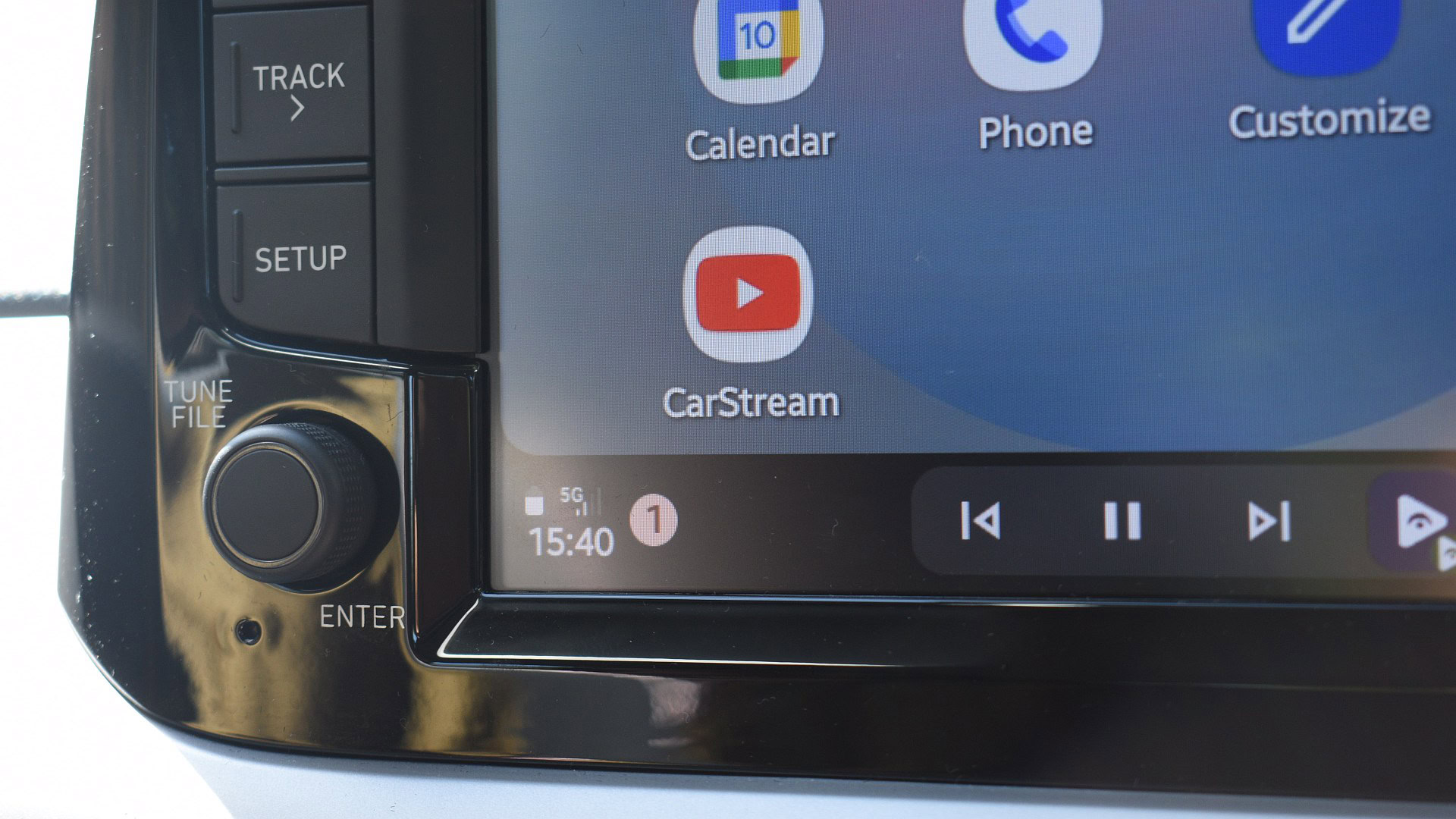
Affiliate links on Android Authority may earn us a commission. Learn more. Watching video on Android Auto is far more complicated than it should be 13 hours ago I want to give Google fair praise; Android Auto is a surprisingly versatile platform. It’s primarily tasked with mirroring phone functionality and information to the dashboards of supported cars. The intention is to make drivers’ lives a little easier, giving them quick access to contacts for calls and messages, music controls, and navigation information. However, for those of us who spend plenty of time waiting in the car, there’s one feature that’s seemingly missing from this list: video playback. The concept is simple: my car has a screen, so surely I should be able to watch a video on it. While it is technically possible, it comes with strict and awkward limitations. Do you want video playback support on Android Auto? Notably, I should mention that there is no official way to watch videos on Android Auto. Google does not provide this feature, nor does it allow it in any of its supported apps. However, the company has confirmed that it’s working on bringing support to the platform in the future. It’s unclear when or how Google will introduce it, though. For now, your only option for watching YouTube videos or sampling videos from your phone is through third-party methods. Don’t want to miss the best from Android Authority? Set us as a to never miss our latest exclusive reports, expert analysis, and much more. favorite source in Google Discover You can also set us as a by clicking the button below. preferred source in Google Search Exploring CarStream and Fermata Auto So, how easy are these third-party methods to get up and running? To start, I tried my hand at two popular apps: CarStream and Fermata Auto. To install both apps, I used a third-party installer called AAAD . It’s available via GitHub and makes it super simple to load unofficial apps onto your phone for Android Auto use. You will have to enable Unknown Sources in Android Auto’s developer mode, though. CarStream is essentially a web wrapper that loads the YouTube site and displays it on the dashboard. Users can navigate the site, select a video, and play that video on their Android Auto screens. That’s the theory anyway. It’s much tougher to get going in practice. Once CarStream was installed on my phone, I opened it and waited for the interface to load. I then opened it on Android Auto, selected a video, and hoped for the best. I encountered several issues on my device. If you own a modern Android phone, you'll have a tough time getting video playback working on Android Auto. I could hear the video’s audio through my car’s speakers, but there was no video on my dash. Instead, the app displayed a vague and ominous “No new messages during this drive” message. I checked the developer’s site, hoping to find a solution, but it...
Preview: ~500 words
Continue reading at Androidauthority
Read Full Article