Opening this PNG in Chrome shows a different image than in Safari or any desktop app
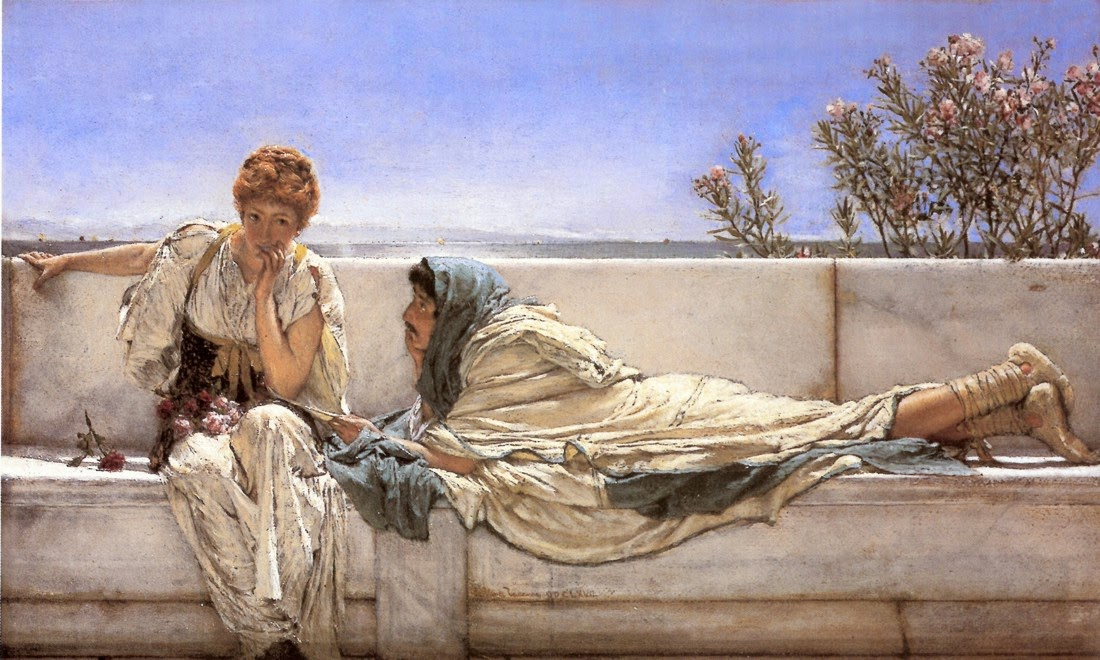
Opening this PNG in Chrome shows a different image than in Safari or any desktop app Check this beautiful painting, Pleading, an artwork by Sir Lawrence Alma-Tadema: download the image and open it with your default image viewer (or open it in the Safari browser), you will see the image normally. My website contains some of these artworks, you're probably looking at one now on the right side of the page if you are reading from a desktop browser, I sent one of the pages to my friend and he told me that the image looks foggy, and I spent hours debugging a nasty edge case in how browsers handle PNG color profiles. What's going on You open a PNG screenshot in your desktop app, it looks great, you include it in a web page suddenly there's a white, foggy veil over everything. The contrast is wrong, colors look washed out, and you're left wondering if the file got corrupted somehow. The instinct? “Something must be wrong with the image encoding.” Maybe it's alpha transparency? Gamma? Some weird metadata? (will tbh this was not really my instinct, I first debugged my web server for 20 minutes.) Attempt 1: Strip Metadata and Fix Alpha The first suspect is usually alpha channel issues or embedded metadata: mogrify -strip -alpha off -alpha on -colorspace sRGB *.png Result: No change. The images still look foggy in Chrome. Attempt 2: Fix the Gamma When you run identify -verbose on the image, you might see: Gamma: 0.454545 Aha! Surely this is a gamma correction issue. Chrome must be applying gamma math differently than desktop apps. mogrify -gamma 2.2 -colorspace sRGB -strip *.png Result: The image gets even more foggy . Now it's worse! (fun-related fact: ImageMagick's identify command reports an assumed gamma for PNG decoding, not necessarily the presence of an actual gAMA chunk in the file. You were chasing a phantom.) Attempt 3: Nuclear option Fine, let's just rewrite all the pixels from scratch: mogrify -alpha remove -background white -flatten -colorspace sRGB *.png Result: Still foggy. Nothing changed. Because the problem isn't in the pixel data at all. Attempt 4: Remove the gAMA Chunk Maybe it's that pesky gamma chunk after all. Let's use pngcrush to remove it without touching the pixels: pngcrush -ow -rem gAMA -rem cHRM -rem iCCP -rem sRGB *.png Result: Still no change. Plot twist; here was never a gAMA chunk to begin with! The Smoking Gun After all these failed attempts, it's time to actually look at what's in the PNG file: pngcheck -v image.png The output reveals the truth: chunk iCCP at offset 0x00025, length 5147 profile name = ICC Profile, compression method = 0 (deflate) compressed profile = 5134 bytes There it is: an embedded ICC color profile, about 5KB in size. No gAMA chunk. No broken alpha. Just an ICC profile What's Really Happening (1) The PNG contains an embedded ICC color profile* (likely Display-P3 or another wide-gamut color space), (2) Chrome fully honors ICC profiles and...
Preview: ~500 words
Continue reading at Hacker News
Read Full Article