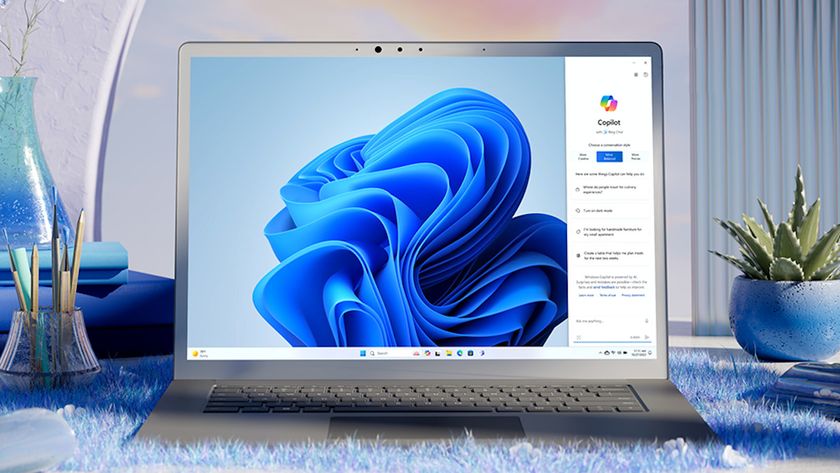
Still wondering how AI agents will work in Windows 11? We now know more about the nuts and bolts of these creations
Windows 11 preview provides more details on how AI agents will work - but this remains a controversial path for Microsoft News (Image credit: Microsoft) Darren Allan published Complaints about Microsoft being overly focused on AI continue to be aired A new preview build is out with further work on AI agents It shows how they'll function in the taskbar, though Microsoft is still experimenting with the details There's an ongoing negative reaction to Microsoft's current focus on AI Windows 11 's latest preview build has provided a clearer look at some of the nuts and bolts of how AI agents will work in the OS , and it introduces a number of other changes as well. Microsoft's blog post explains what's new in preview build 26220.7523 in the Dev and Beta channels. There are several notable additions, including the mentioned AI introductions, which have once again sparked some controversy. For starters, this new preview brings the Ask Copilot box to the taskbar for business customers - this has already arrived in testing for consumers - and Microsoft reminds us that you can invoke AI agents directly from there. Microsoft is also moving forward with testing how AI agents will actually work in the taskbar. We get an example here that's focused on Researcher, one of the initial planned agents for Windows 11, which, as the name suggests, autonomously conducts research for you (with access to certain files granted for that purpose). It can "dig into a topic and build a detailed report," and you can track the agent's progress in the taskbar. Microsoft is testing a feature whereby hovering the mouse cursor over the Copilot or Researcher icon in the taskbar will give you the agent's reasoning updates in real-time, so you can check up with the AI's progress at a glance. Microsoft is also experimenting with whether Research (or other agents) should be a separate icon on the taskbar, or be rolled into the Copilot icon. Those who want to keep taskbar bloat down may well lean towards the latter idea, though keen users of agents who have multiple AIs working on tasks could perhaps prefer those icons to be separate. Microsoft further notes that with this preview build it's introducing Agent Launchers for Windows 11, which is a "new framework that enables Windows apps to register AI agents and make them discoverable across the system". Sign up for breaking news, reviews, opinion, top tech deals, and more. Essentially, this is the groundwork to allow for third-party agents (aside from Microsoft's own agents like Researcher, Copilot, or Analyst) to work within Windows 11 and be integrated with the Ask Copilot box (and Microsoft 365 Copilot). Elsewhere in this preview release, there's a change for File Explorer, whereby everyday users will now see people icons on the File Explorer home page. These will appear in the 'Activity' column and in the Recent or Recommended sections, meaning that when you mouse over a people icon, you'll get that person's key...
Preview: ~500 words
Continue reading at Techradar
Read Full Article