Just unwrapped a new laptop? These are the perfect accessories under $70 I recommend you get
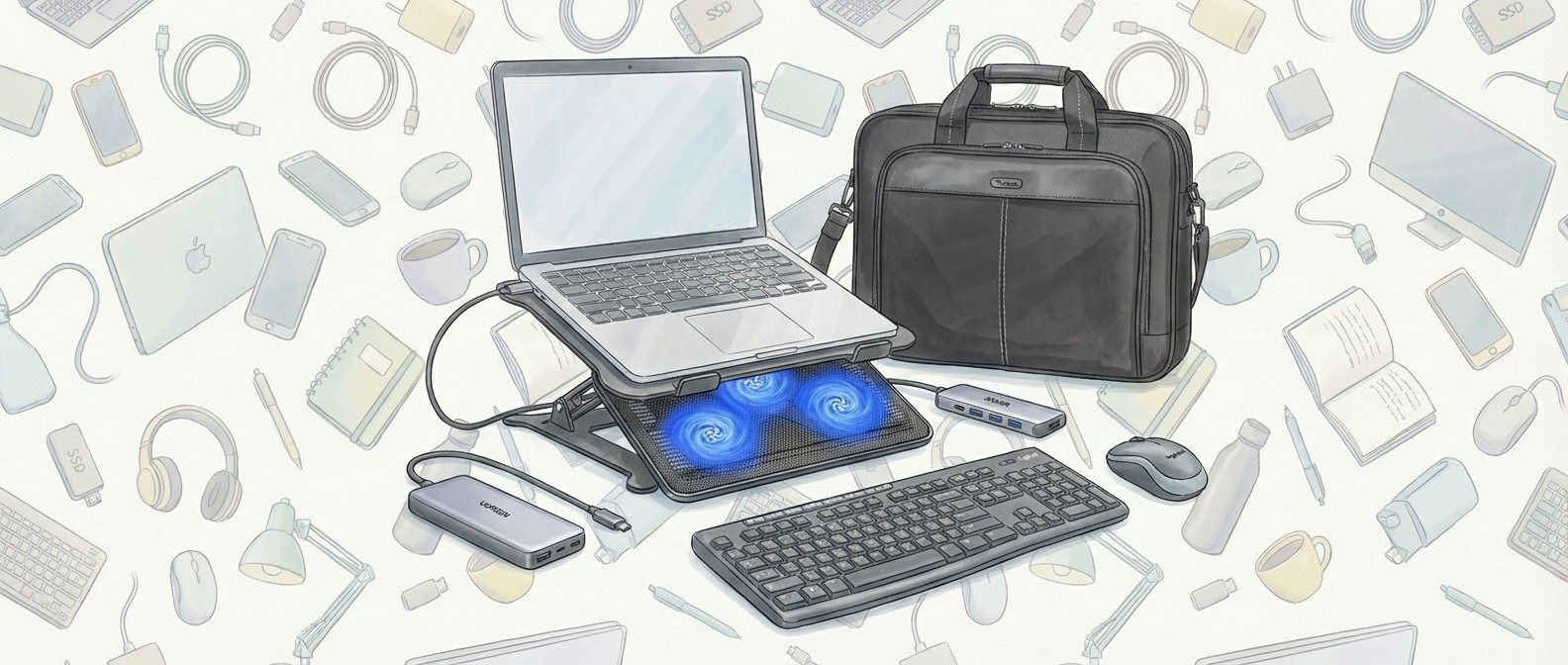
Just unwrapped a new laptop? These are the perfect accessories under $70 I recommend you get Features Matt Hanson published Must-have accessories Have you been lucky enough to unwrap a new laptop this Christmas? If you have - or if you're thinking about what to buy for your existing laptop - then this guide is for you. I've put together a list of must-have accessories that can quickly expand your new laptop's capabilities - and they can all be had for less than $70 ! My first suggestion is the excellent Anker 5-in-1 USB-C hub . Many laptops, especially thin-and-light ones, don't come with that many ports these days, so plugging in a hub can quickly and easily allow you to use various peripherals and devices. Anker is a trustworthy brand, and this hub comes with two USB-C, two standard USB-A and a HDMI port that can transfer 4K video, so you can easily hook up your laptop to a monitor, TV, or projector. I also suggest buying a laptop stand, such as the Urmust adjustable laptop stand. These make working on your laptop a lot more comfortable by raising them from your desk. While there are cheaper stands that are fixed as a certain height and angle, I recommend getting an adjustable one that means you can set it up perfectly for your needs. Keeping your laptop raised above the surface also helps it keep cool. Make sure you buy a stand that supports the size of your laptop, however, though most companies make laptop stands that cover various popular laptop sizes. My next pick is the Ugreen Nexode 25,000mAh laptop power bank . While laptop battery lives are getting ever longer, it's still a great idea to have a power bank too, so you can top up your laptop's battery when you're not near a power outlet. The 25,000mAh capacity is enough for more than one full laptop charge (from empty), so if your laptop's battery life is around a whole day, this will give you another day without needing to plug your laptop in; it could be a real life saver! Of course, you can also plug in other devices, such as smartphones, and charge them multiple times as well. There are a lot of unkown brands selling laptop power banks, but I recommend you go with a trusted brand such as Ugreen, as you want the power bank to be as dependable as possible. Obviously, laptops come with a keyboard and trackpad built-in, but I personally find it far more comfortable to use a larger physical keyboard and mouse when using my laptop at a desk, which is why I recommend the Logitech Mk270 Wireless Keyboard and Mouse Combo . Logitech makes quality peripherals, and buying this combo can save you money over getting the two peripherals separately. It also means you only need to plug in one wireless receiver (included). This works best with a USB-C hub, as you can leave the wireless receiver plugged...
Preview: ~500 words
Continue reading at Techradar
Read Full Article