The easiest way to search the new Epstein files
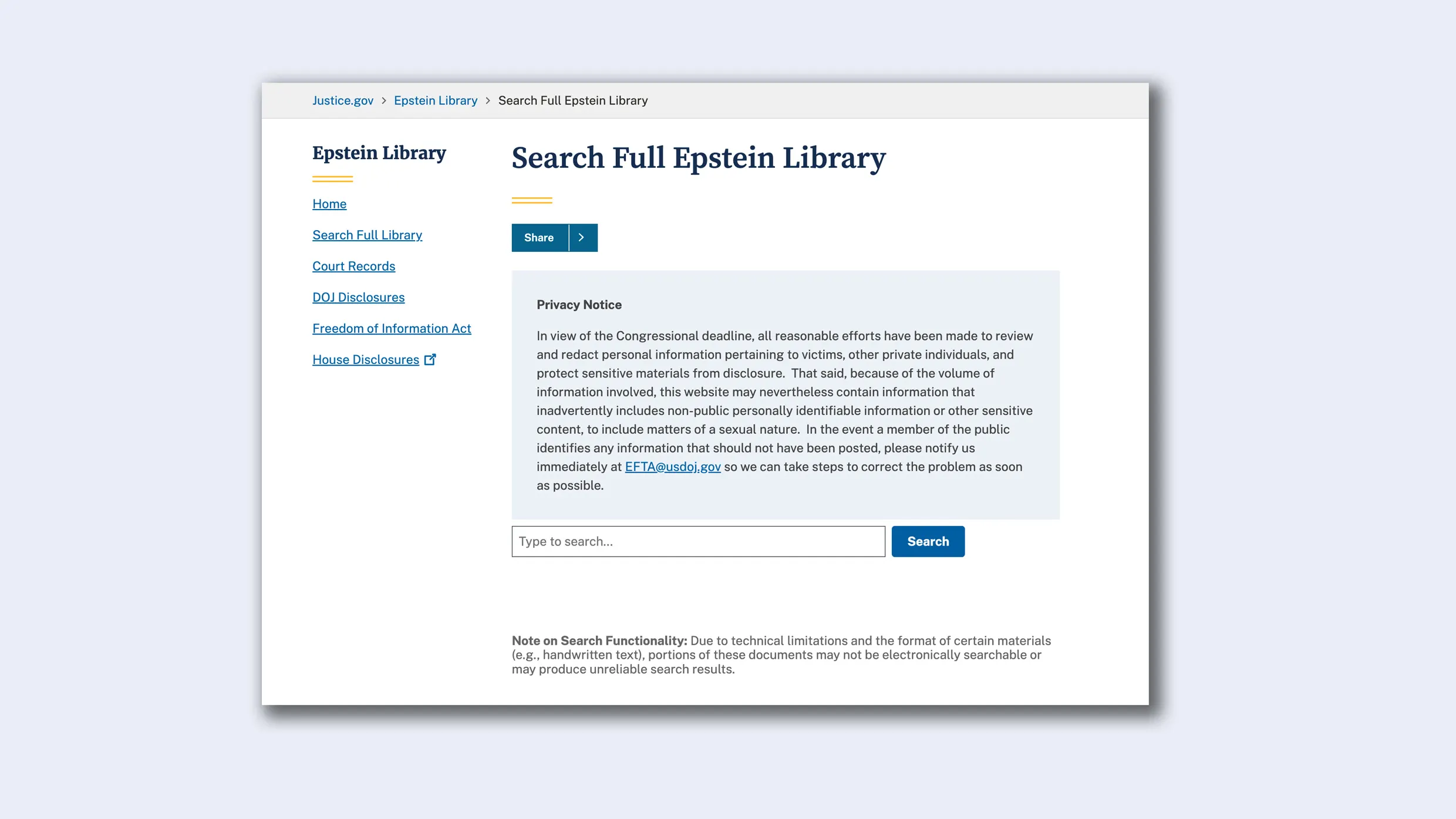
The long-awaited release of Jeffrey Epstein’s files by the Department of Justice arrived on December 19 with a bureaucratic whimper and bang of public outrage . While the Epstein Library technically fulfills the government’s legal obligation under the Epstein Files Transparency Act, the result is a user experience failure. [Image: United States Department of Justice] Thankfully we have another option. Jmail.world makes searching the Epstein files as simple as searching your email. The project has been publishing the convicted child sex offender’s emails—and those of the people who talked with him, like Noam Chomsky, Steve Bannon or Ken Starr—since November using a Gmail user interface clone. Jmail’s database was filled over the weekend as it added the latest Epstein file release. [Screenshot: jmail.world ] Created by technologists Riley Walz and Luke Igel, there’s no better way to explore this Himalaya of filth. It uses a UI you already know: Gmail and the rest of Gmail apps, like Drive. Its creators have been updating it quietly since its launch, even adding an AI called Jemini to search across media, to demonstrate that the DOJ claims that due to technical limitations, it’s impossible to search certain materials—like handwritten notes—is simply not true. How Jmail was built Jmail began in November, after the House Oversight Committee released 20,000 pages of Epstein’s estate emails. Walz and Igel saw a “design problem” in those unsearchable PDF dumps. Using Optical Character Recognition (OCR), they extracted the text and mapped it onto a simulation of Epstein’s actual Gmail inbox. [Screenshot: jmail.world ] The result was a tool that feels unnervingly familiar—at least I feel weird and dirty browsing it. It’s a standard inbox with “Star” icons and threaded conversations that forces users to confront the banality of Epstein’s daily operation. The Gmail clone works as you would expect. Instead of navigating complex federal indices, you simply type “Maxwell” or “Bannon” or any phrase that comes to mind into a search bar that queries every email, attachment, and contact instantly. The same happens in the other apps. And you can also click on Jemini—introduced on December 3—and just query the AI about whatever content you want, all across the database. Why email is the right interface for the Epstein files You may wonder why the Epstein Files needs a specialized site at all. After all, the official DOJ site has a “Search Full Epstein Library” bar. The problem is, it comes with a crippling disclaimer: “Due to technical limitations and the format of certain materials… portions of these documents may not be electronically searchable.” In practice, this means thousands of scanned pages—where the real secrets lie—are invisible to the search engine. To understand the brilliance of Jmail, you have to understand the DOJ’s barebones compliance with the law dictated by Congress. The files are there, yes, but they are effectively buried under the weight of their own disorganization. The DOJ’s rolling release strategy has resulted in a fragmented archive where “First Phase” declassified files sit separately from “Data...
Preview: ~500 words
Continue reading at Fastcompany
Read Full Article