How to Read Research Papers on Your Kindle Without Printing
📚 How to Read Research Papers on Kindle (Without Printing or Melting Your Eyes)
If you’ve ever opened a 28-page PDF on your laptop, stared at tiny academic text, and thought “I should be reading this on my Kindle” — yep. Same disease. 🎓
Research papers are exactly the kind of content e-readers are built for: long, dense, and worth reading without distraction. The problem isn’t reading — it’s getting papers onto your Kindle (or Boox) reliably, fast, and in a format that doesn’t look like a fax.
This guide gives you a practical workflow that replaces printing, reduces eye strain, and makes “paper backlog” actually manageable.
✅ Why E-Readers Are Better for Research Reading
👀 Less eye strain, longer sessions
E-ink displays reflect light like paper instead of blasting it into your eyeballs like a laptop. That means:
- less fatigue during long reading blocks
- less blue light exposure
- fewer headaches from extended screen time
🧠 More focus, better retention
Reading on a laptop means:
- notifications
- tabs
- Slack
- “just quickly checking something”
A Kindle doesn’t care about your dopamine addiction. It’s a single-purpose reading surface — which is exactly why it works.
🔋 Battery and portability
Weeks of battery life and hundreds of papers in one device. No printing. No binders. No chaos.
The Real Problem: Getting Papers Onto Your Kindle
Most research workflows fall apart at the same spot: delivery friction.
You find a paper, then you:
- download it
- rename it
- email it (or cable it)
- wait for conversion
- hope the formatting survives
- repeat 40 times
That friction is what drives people back to laptop reading… and eventually back to printing.
3 Ways to Send Research Papers to Kindle
1) Amazon Send-to-Kindle Email (native, but clunky) 📧
How it works:
- Find your Kindle email in Amazon “Manage Your Content and Devices”
- Add your sending email to the approved list (whitelist)
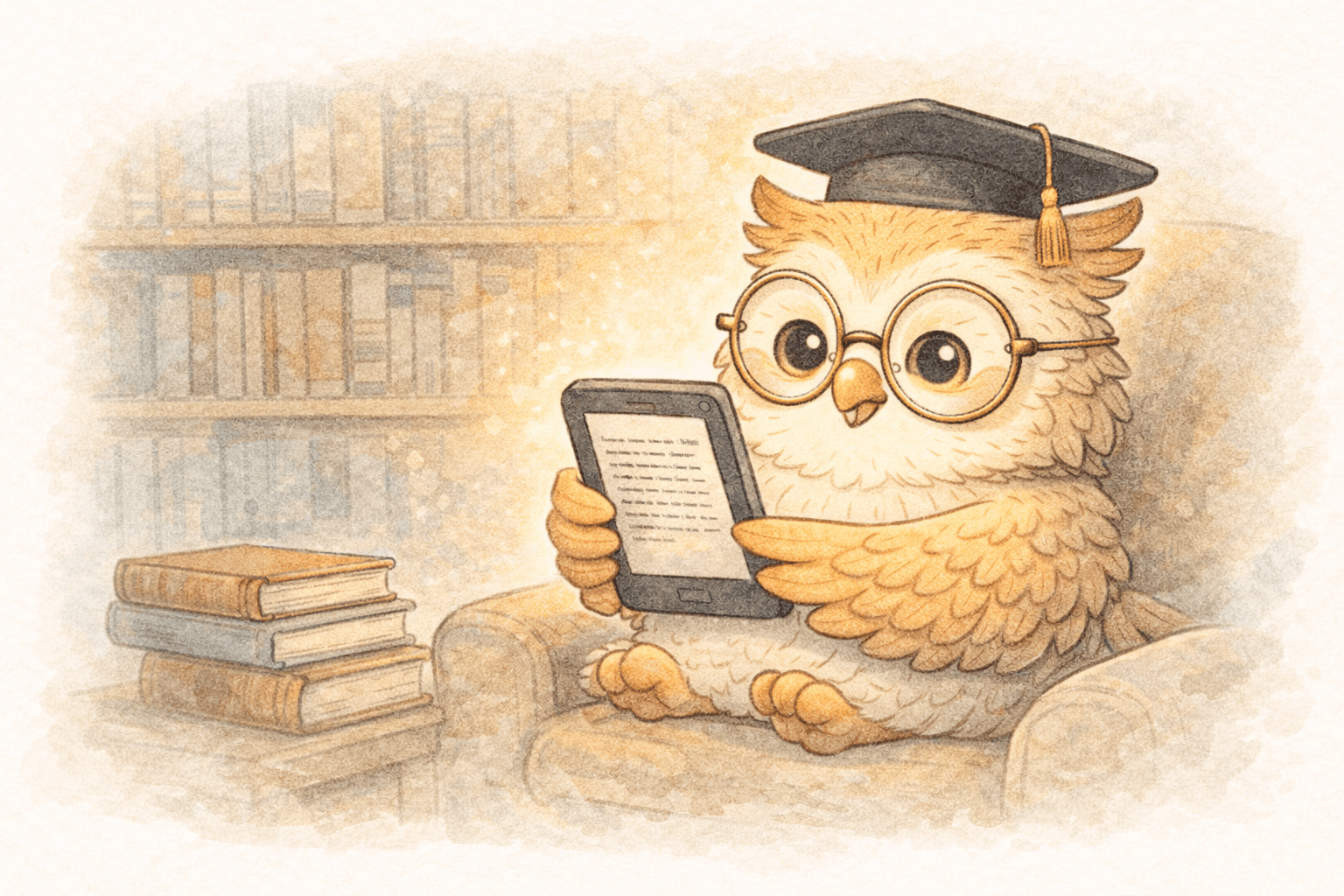
- Attach the PDF and email it to your Kindle
Pros
- Free
- Works everywhere
Cons
- Manual per-paper workflow
- Whitelisting is annoying
- PDFs can be painful on small screens (fixed layout)
- No real batching or library management
If you read one paper a month, fine. If you read weekly (or daily), this gets old fast.
2) Direct from academic repositories (helpful when available) 🧪
Some sources make it easier:
- arXiv / medRxiv
- journal “download PDF” pages
- Zotero/Mendeley exports (with extra steps)
Pros
- Sometimes quick
- Good metadata
Cons
- Inconsistent across publishers
- Still usually means downloading and moving files
- Doesn’t solve the “queue + workflow” problem
3) Dedicated e-reader delivery services (fast + formatted) ⚡
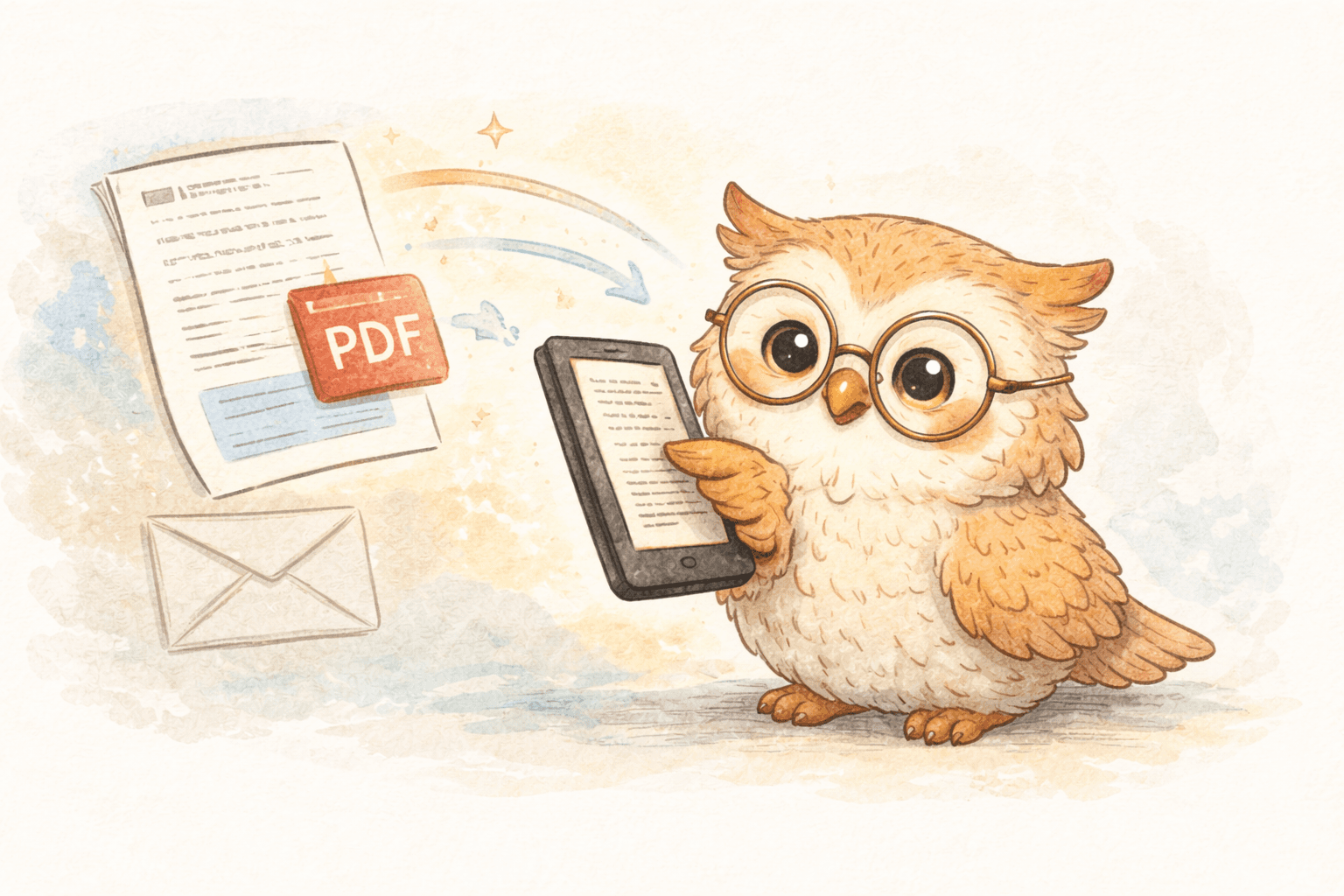
This is the modern answer: save with one click, auto-format for e-ink, deliver quickly, and optionally sync highlights to your notes system.
What “good” looks like:
- one-click saving via browser extension
- automatic conversion/optimization for e-ink
- batch queues (“send these 12 papers”)
- delivery in minutes (or seconds for some devices)
- exports for highlights/annotations
If you’re doing real academic reading, this is the difference between a system you use and one you abandon.
🚀 A Simple Research Workflow That Actually Sticks
Use this loop:
- Discover papers (arXiv, citations, Google Scholar, newsletters)
- Save immediately (no “I’ll do it later”)
- Queue papers by priority (“Read today / This week / Reference”)
- Read on e-ink (focused sessions)
- Highlight + annotate
- Export highlights to Notion / Readwise / Google Docs
- Synthesize notes when writing
This turns reading into inputs for writing — not a graveyard of PDFs.
Kindle vs Boox for Research Papers
Kindle is best when:
- you mostly read linear text
- you don’t markup PDFs heavily
- you want simple + cheap
Boox is best when:
- you annotate a lot
- you deal with complex PDFs (tables, figures, multi-column layouts)
- you want more control (Android apps, file management)
If you’re primarily reading papers, Kindle is great.
If you’re doing heavy margin-notes and PDF wrestling, Boox wins. 🥊
🎯 Strong CTA: The Fastest Way to Build a Real Research Reading System
If you’re tired of printing papers or squinting at PDFs on a laptop, stop “trying harder” and fix the workflow.
LibSpace is built for this exact use case:
- one-click saving from your browser
- automatic formatting optimized for e-ink
- batch-friendly paper queues
- fast delivery to Kindle, Boox, or any e-reader that syncs with Google Drive or Dropbox
- optional export of highlights to Notion / Readwise so your reading turns into usable notes
LibSpace integrates directly with Kindle and Boox devices. Plus, if your e-reader supports Google Drive or Dropbox (like Supernote, PocketBook, or others), LibSpace works with those too.
✅ Try LibSpace free (30 days, no credit card)
If it doesn’t make your research workflow easier in a week, drop it. But if you’re reading even 5+ papers a month, the time savings alone is absurd.
Next step: Install the extension, send 3 papers today, and read them on your Kindle tonight.
Your eyes will notice immediately. Your backlog will finally move. 📚⚡
Darcy Reno
Founder of LibSpace. 25+ years in technology leadership across the media and entertainment industry — including roles at Constellation Software, Electronic Arts, and Technicolor, and working alongside studios like DreamWorks Animation, Disney, and Nickelodeon. A passionate reader, Darcy built LibSpace to bridge the gap between online content and e-readers, with a focus on long-form articles, research, and journalism.
Try LibSpace Free for 30 Days
Send articles, documents, and web pages to your e-reader in seconds. No credit card required.