Import Research Papers to Kindle: Skip the Download Hassle
📚 One-Click Research Papers to Kindle (No Downloads, No Cables)
If your current research-paper workflow involves 14 open tabs, a Downloads folder landfill, and a vague hope you’ll “read it later”… congratulations, you’re doing academia exactly as intended. 🙃
The typical process to get a paper onto a Kindle is still stuck in 2012:
- find paper
- download PDF
- maybe convert formats
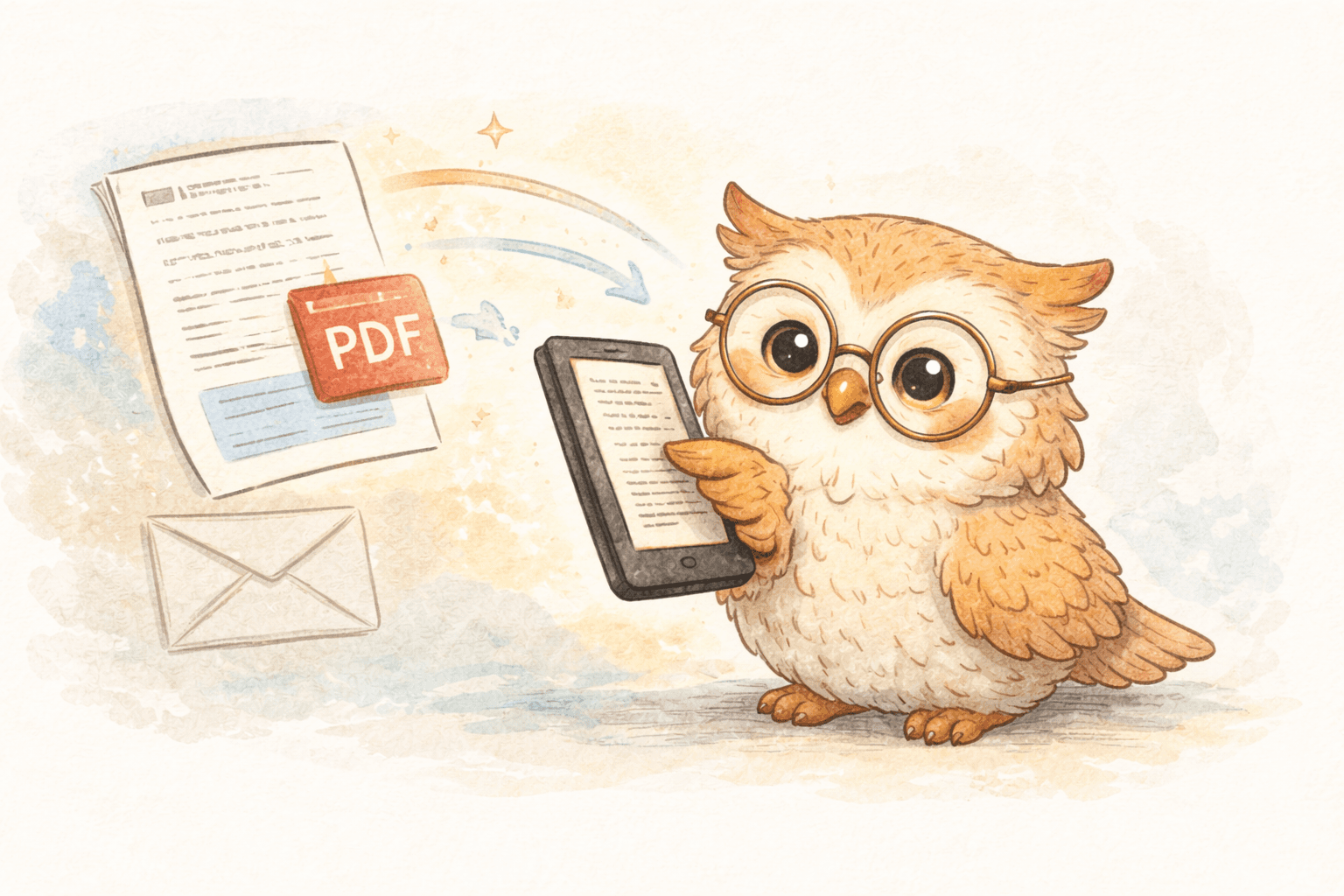
- email it to Kindle (or plug in a cable like it’s a printer)
- lose the file again anyway
This guide shows a better approach: one-click delivery + cloud-based content management, so your papers are actually readable, organized, and backed up for life (or at least until the heat death of your device).
🔴 Why the traditional workflow is broken
Friction kills reading momentum
The more steps you add between “found paper” and “reading paper,” the more likely you’ll:
- postpone it
- forget why it mattered
- default back to laptop reading (and hate yourself later)
PDFs often suck on Kindle
Academic PDFs weren’t designed for a 6–7" e-ink screen:
- multi-column layouts get cramped
- figures become tiny
- footnotes and references are awkward
- zoom/pan turns “reading” into “image manipulation”
Email delivery is… fine. In the same way fax is fine.
Amazon’s Send-to-Kindle email requires:
- remembering device email addresses
- whitelisting senders
- attaching files manually
- waiting for processing
- praying formatting doesn’t implode
It works, but it’s not a workflow. It’s a coping mechanism. 📧
💡 Why e-readers are actually great for research
- 👀 Less eye strain: e-ink is reflective, not backlit.
- 🧠 Better focus: no tabs, no Slack pop-ups.
- 🔋 Battery for days/weeks: you can read on commutes, flights, conferences.
- ✍️ Built-in highlighting: plus notes, bookmarks, dictionary lookups.
If you read papers regularly, an e-reader is the right tool. The problem is delivery + management.
🔍 Existing ways to send papers to Kindle (and why they’re annoying)
1) Send-to-Kindle email
Pros: free, easy to understand
Cons: manual, slow-ish, formatting inconsistent, zero organization
2) USB transfer
Pros: immediate transfer, offline
Cons: cable hunting, manual folder management, not spontaneous, not scalable
3) Calibre / desktop workflows
Pros: powerful conversion + library tools
Cons: steep learning curve, still manual, still a desktop chore
All of these solve delivery in isolation. None solve the bigger issue: a modern paper reading system.
🚀 The modern approach: one-click delivery + a cloud library
The “better way” is a workflow that feels like:
- save paper in the moment
- it shows up on your Kindle fast
- it’s readable
- it’s organized
- it’s backed up forever
- it syncs across devices automatically
What this looks like in practice
- You’re browsing arXiv / medRxiv / publisher site
- Click a browser extension button (or hotkey)
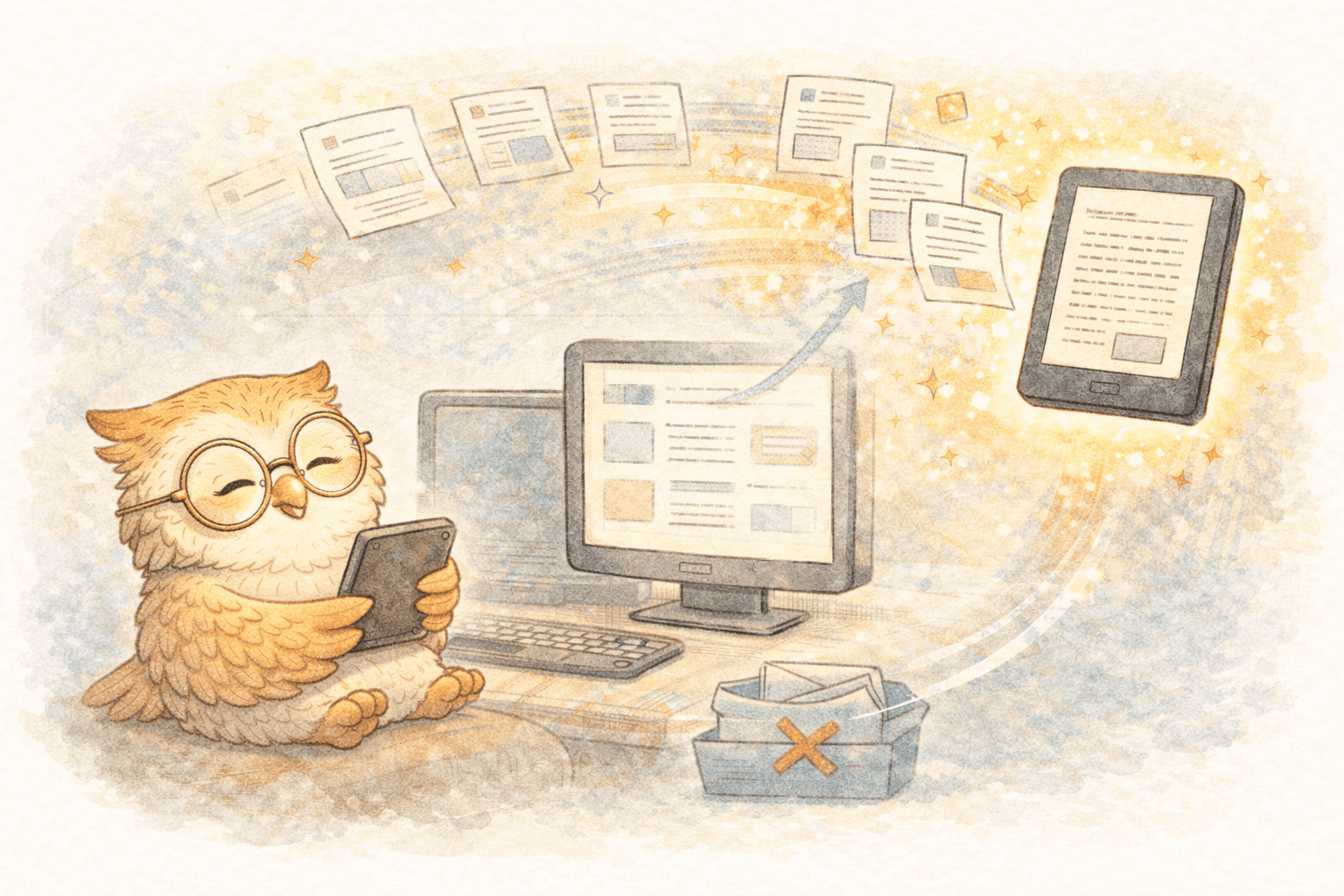
- The paper is queued + processed automatically
- It arrives on Kindle quickly, optimized for e-ink
- It’s stored in a cloud library with tags/folders/search
- You can read on any connected device and keep the same library
That last part matters more than most people realize.
☁️ The underrated superpower: cloud content management
A cloud-based system isn’t just “delivery.” It’s the missing infrastructure for researchers.
🗂️ Content management (instead of chaos)
- central reading list (not “Downloads”)
- folders/tags by project/topic
- searchable archive
- ability to re-send or re-organize without re-downloading
💾 Permanent backup for your reading library
Your Kindle is a device, not a source of truth.
With a real cloud library:
- replace/upgrade your Kindle without losing your curated papers
- recover if you lose your device
- keep your archive independent of a single piece of hardware
📱 Multiple devices, one library
Researchers don’t just read on one thing forever:
- Kindle at home
- phone during waiting-room time
- tablet/laptop when needed
- new Kindle when the old one dies
A cloud library keeps your reading system intact across all of it.
🎯 Where LibSpace fits (and why it's not just "another read-it-later")
LibSpace is positioned as a purpose-built e-reader delivery + library system:
- one-click saving via Chrome or Safari extension
- fast delivery to Kindle (and even faster to Boox)
- e-ink optimized formatting (so papers are readable, not just "present")
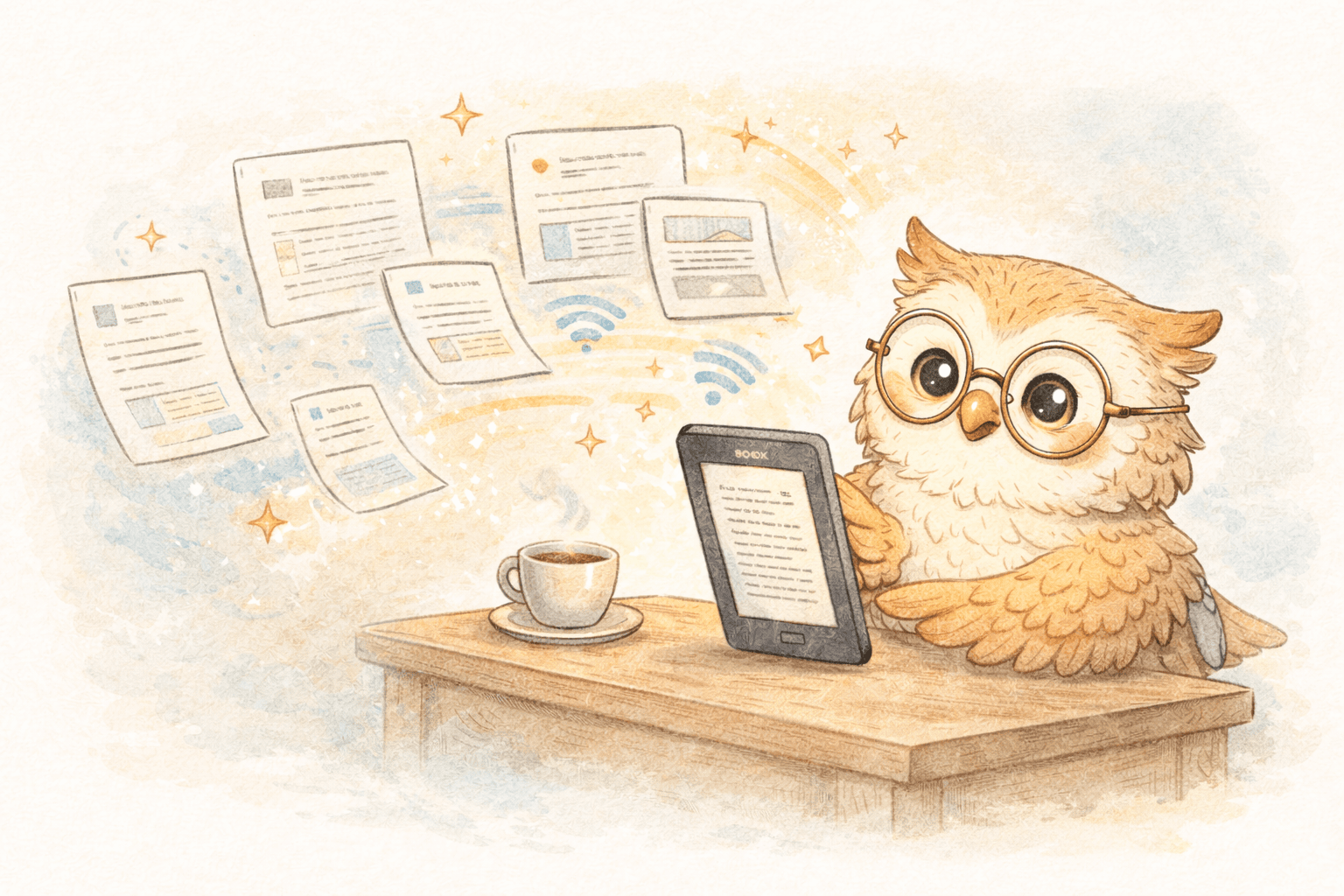
- batching/queuing (save 10 papers, send them cleanly)
- a managed cloud library: folders/tags + permanent backup + multi-device continuity
LibSpace integrates directly with Kindle and Boox devices. Plus, if your e-reader supports Google Drive or Dropbox (like Supernote, PocketBook, or others), LibSpace works with those too.
This is the difference between "sending a PDF" and having a research reading pipeline.
✅ Getting started (the 3-minute version)
- Install the browser extension
- Connect your Kindle
- Send 3 papers you actually want to read today
- Read them on e-ink tonight
- Decide if you’re done living in your Downloads folder
📣 Strong conversion CTA
If you’re reading 5+ papers/month, the cost isn’t the subscription — it’s the hours you’re wasting on downloads, conversions, and re-finding the same PDF three weeks later.
Try LibSpace free for 30 days (no credit card).
Use it like a researcher:
- save papers as you discover them
- batch your queue
- keep a curated library
- replace your device without losing anything
If it doesn’t make research reading easier in the first week, bin it.
But if it does (it will), you just upgraded your workflow from “academic scavenger hunt” to “organized reading machine.” 📚⚡
Darcy Reno
Founder of LibSpace. 25+ years in technology leadership across the media and entertainment industry — including roles at Constellation Software, Electronic Arts, and Technicolor, and working alongside studios like DreamWorks Animation, Disney, and Nickelodeon. A passionate reader, Darcy built LibSpace to bridge the gap between online content and e-readers, with a focus on long-form articles, research, and journalism.
Try LibSpace Free for 30 Days
Send articles, documents, and web pages to your e-reader in seconds. No credit card required.