Reading Long Articles on Kindle: Stop Eye Strain With E-Ink

👀 How to Actually Read Long Articles on Kindle (Without Losing Them in Tab Hell)
You find a killer long-form piece on your phone—5,000 words, exactly your kind of thing. Then reality hits: reading it on a tiny glowing screen feels like punishment. So you bookmark it, tell yourself you’ll read it later on your Kindle… and it disappears into the graveyard of “someday.”
If that sounds familiar, congratulations: you’re normal.
Reading long articles on Kindle is one of the best ways to escape screen fatigue and actually finish what you save. The problem isn’t the Kindle. The problem is the workflow—getting web content onto your e-reader quickly, cleanly, and in a way that doesn’t vanish the moment you switch devices.
Let’s fix that.
Why Kindle is better for long articles (and your phone is not your friend)
1) Less eye strain
Phones and laptops are backlit, bright, and designed for short bursts. After 20–30 minutes, most people get:
- dry eyes, headaches
- blurry focus
- “why does my neck hurt” posture issues
- sleep disruption if you read at night
Kindle/e-ink is reflective like paper. That means:
- no harsh backlight
- no flicker
- easier sustained reading sessions
2) Fewer distractions
Your phone is a notification slot machine. Even if you’re disciplined, the environment is noisy:
- banners
- app switching
- “just checking one thing”
Kindle is a single-purpose device. When you read on it, you’re actually reading.
3) You finish more
The win isn’t theoretical comfort. The win is completion. A Kindle makes long reads feel like a book chapter, not a chore.
The real problem: getting web articles onto Kindle without friction
Here’s the part everyone trips on:
You can want to read on Kindle and still fail if the delivery method is annoying.
The usual options (and why they suck)
1) USB cable sideloading
- download file
- find cable
- drag to folders
- eject properly
- pray it appears
That’s not “reading workflow.” That’s “IT support cosplay.”
2) Send-to-Kindle email
- find your Kindle email address
- whitelist senders
- forward content
- wait for processing
- hope formatting isn’t wrecked
It works, but it’s clunky, slow-ish, and inconsistent.
3) Random web clippers / read-it-later apps Many were built for reading on phones in their app, not for e-ink delivery. Result: mediocre formatting and extra steps.
What actually works: a modern cloud reading pipeline ☁️
If you want long articles to get read, you need more than “send it to Kindle.”
You need a system that does five things:
- Capture (one click)
- Clean + convert (strip clutter, make it readable)
- Deliver (fast, reliably)
- Manage (queue, tags, folders, search)
- Back up (so your library survives device upgrades)
This is the missing piece: cloud isn’t just delivery—it’s content management + permanence.
Why cloud matters (the part everyone underestimates)
A good cloud system gives you:
- Content management: a real reading queue instead of bookmarks
- Permanent backup: lose/replace your Kindle? Your library still exists
- Multi-device support: Kindle today, Boox tomorrow, new device next year
- Curation: keep a clean, intentional reading list instead of “everything I might read”
In short: your Kindle becomes the reading surface. The cloud becomes your reading library.
The ideal “long read → Kindle” workflow
This is what “frictionless” looks like:
- You find an article.
- You click a button (extension / share action).
- It gets cleaned (no nav bars, no sidebar junk).
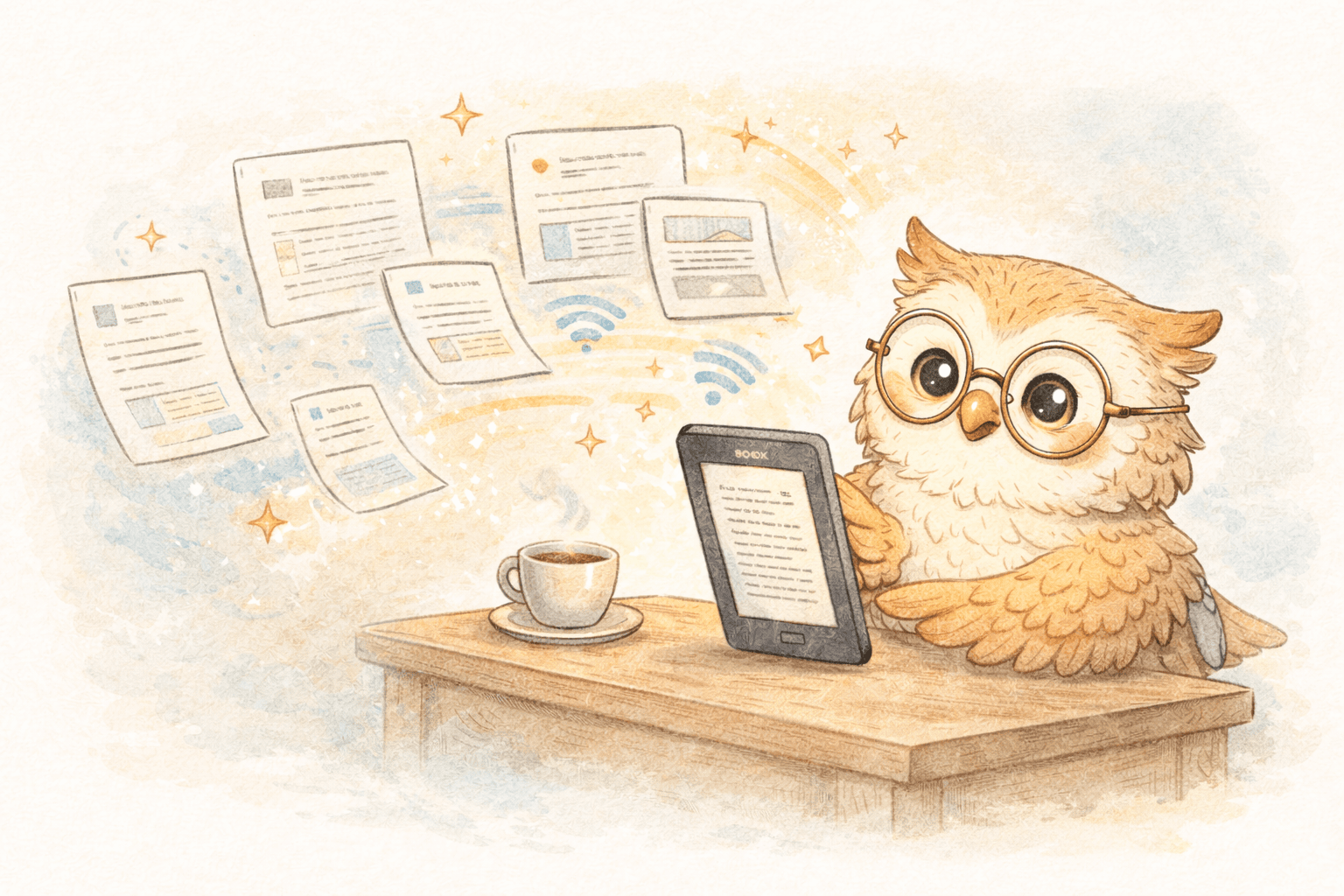
- It lands on your Kindle within minutes.
- It’s stored in your cloud library, searchable and organized.
- When you replace your device, nothing is lost.
That’s the bar. Anything less and you’ll drift back to tabs and doomscrolling.
What to look for in a long-article Kindle solution
If you’re evaluating tools, don’t get distracted by shiny feature lists. Look for the basics done extremely well:
✅ Conversion quality
- clean headings
- sane paragraph spacing
- readable typography
- images sized properly
- no menus/footers spammed into the text
✅ Speed + reliability
If delivery is slow or flaky, you won’t trust it. If you don’t trust it, you won’t use it.
✅ Cloud library + organization
You want:
- a queue that doesn’t rot
- tags/folders
- search
- archive/delete workflows
✅ Multi-device + replacement-proof
You will replace your device eventually. Your library shouldn’t die with it.
Where LibSpace fits 🚀
LibSpace is built around the "read it on e-ink" premise—not "read it in our app."
What it does well (the parts that matter):
- One-click saving via browser extension
- E-ink optimized conversion so long reads look like clean documents, not web junk
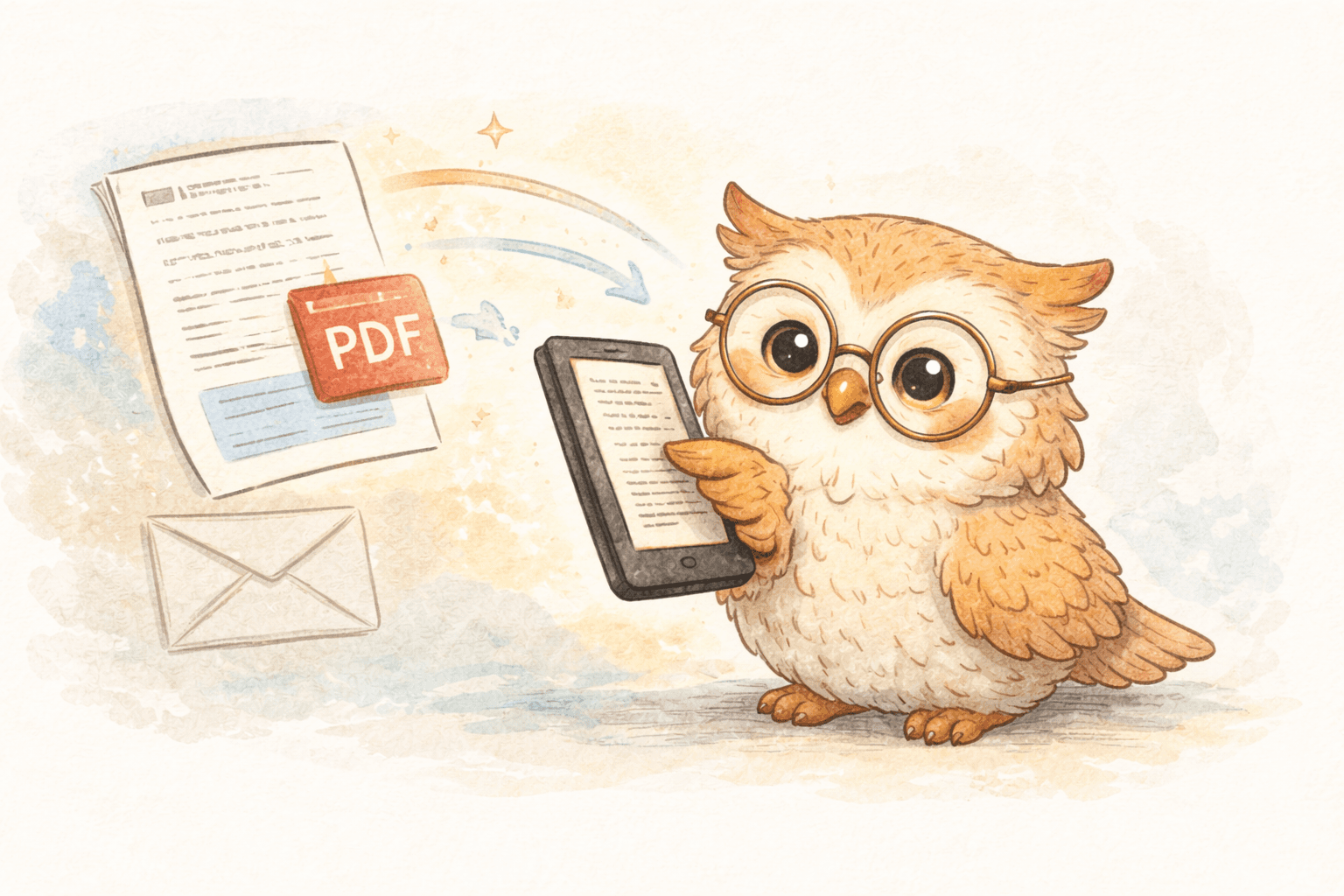
- Fast delivery to Kindle, Boox, or any e-reader that syncs with Google Drive or Dropbox
- Cloud library so your content is organized, curated, and backed up
- Multi-device support so your reading survives device changes
LibSpace integrates directly with Kindle and Boox devices. Plus, if your e-reader supports Google Drive or Dropbox (like Supernote, PocketBook, or others), LibSpace works with those too.
Translation: it turns "I'll read this later" into an actual reading queue you can finish.
How to stop losing long reads: a simple habit loop
Here’s the small system that works:
- Save freely during the day (but only what you’d genuinely read)
- Read in batches (even 20–30 minutes)
- Archive aggressively (don’t keep “maybe” content forever)
- Review your queue weekly (delete what you’re not excited about)
The goal isn’t to hoard articles. It’s to finish them.
Strong conversion CTA 📣
Your tabs are not a reading plan. They’re a guilt subscription.
If you want to actually read long articles on Kindle, you need:
- frictionless saving
- clean formatting
- fast delivery
- a cloud library that manages and backs up your content
- multi-device support so your queue survives upgrades
Try LibSpace and build a curated Kindle reading queue that doesn’t disappear the next time you switch devices.
Stop bookmarking. Start finishing.
Darcy Reno
Founder of LibSpace. 25+ years in technology leadership across the media and entertainment industry — including roles at Constellation Software, Electronic Arts, and Technicolor, and working alongside studios like DreamWorks Animation, Disney, and Nickelodeon. A passionate reader, Darcy built LibSpace to bridge the gap between online content and e-readers, with a focus on long-form articles, research, and journalism.
Try LibSpace Free for 30 Days
Send articles, documents, and web pages to your e-reader in seconds. No credit card required.