Save Web Articles to Kindle Instantly: No Email Required
📱➡️📖 Send Web Articles to Your Kindle — Without the Hassle
You’re scrolling the web and find a great article. Long, thoughtful, exactly the kind of thing you want to read properly.
But not right now.
So you bookmark it.
Or open it in a new tab.
Or tell yourself you’ll come back to it later.
And… you probably don’t.
If that sounds familiar, you’re not broken — your tools are just working against you. The gap between discovering good content and actually reading it has never been wider.
For Kindle users, the traditional solution hasn’t helped much: emailing articles to a Kindle address, hoping the formatting works, and waiting for them to eventually show up. It works — but it’s clunky, slow, and easy to abandon.
The good news? There’s now a much simpler way to send web articles straight to your Kindle — no email forwarding, no guesswork, no friction.
This guide shows how modern read-it-later tools are changing the Kindle reading experience — and how you can finally turn saved articles into finished reads.
Why email-to-Kindle feels outdated 🤔
Amazon’s Send to Kindle email feature has been around forever, and it deserves credit — it opened the door.
But in day-to-day use, it comes with real downsides:
-
Unreliable formatting
Some articles look fine. Others arrive broken, cluttered, or missing images. -
Slow delivery
Sometimes it’s quick. Sometimes it takes 10–15 minutes. That delay kills momentum. -
Too many steps
Find the Kindle email address, forward the content, hope the conversion works. Doing this repeatedly just isn’t fun. -
Uncertainty every time
You never quite know what the final result will look like on your device.
Email works in a pinch — but it’s not how most people want to manage their reading in 2025.
Why Kindle is actually the best place to read articles 📖
The irony is that Kindle is an excellent place to read web content — when it gets there properly.
-
E-ink is easier on your eyes
No glare, no blue light, no fatigue after long reads. -
No distractions
No notifications. No tabs. Just reading. -
Better focus and retention
People consistently read longer — and remember more — on e-ink. -
Battery life for weeks
You can read whenever you have time, without worrying about charging.
The problem was never the Kindle.
It was always the delivery.
What modern article-to-Kindle tools do differently ⚡
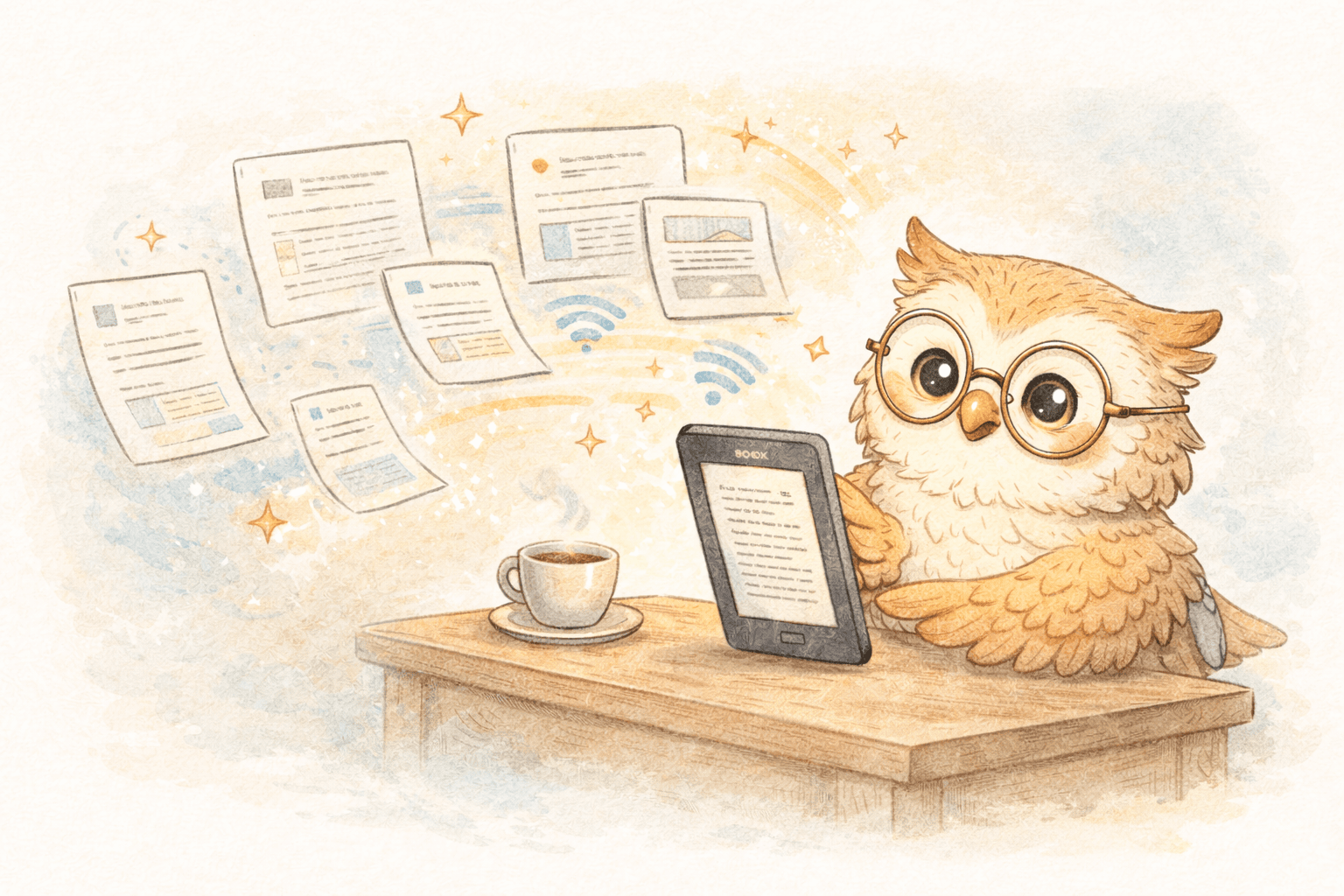
Newer read-it-later tools skip email entirely.
Instead, they work like this:
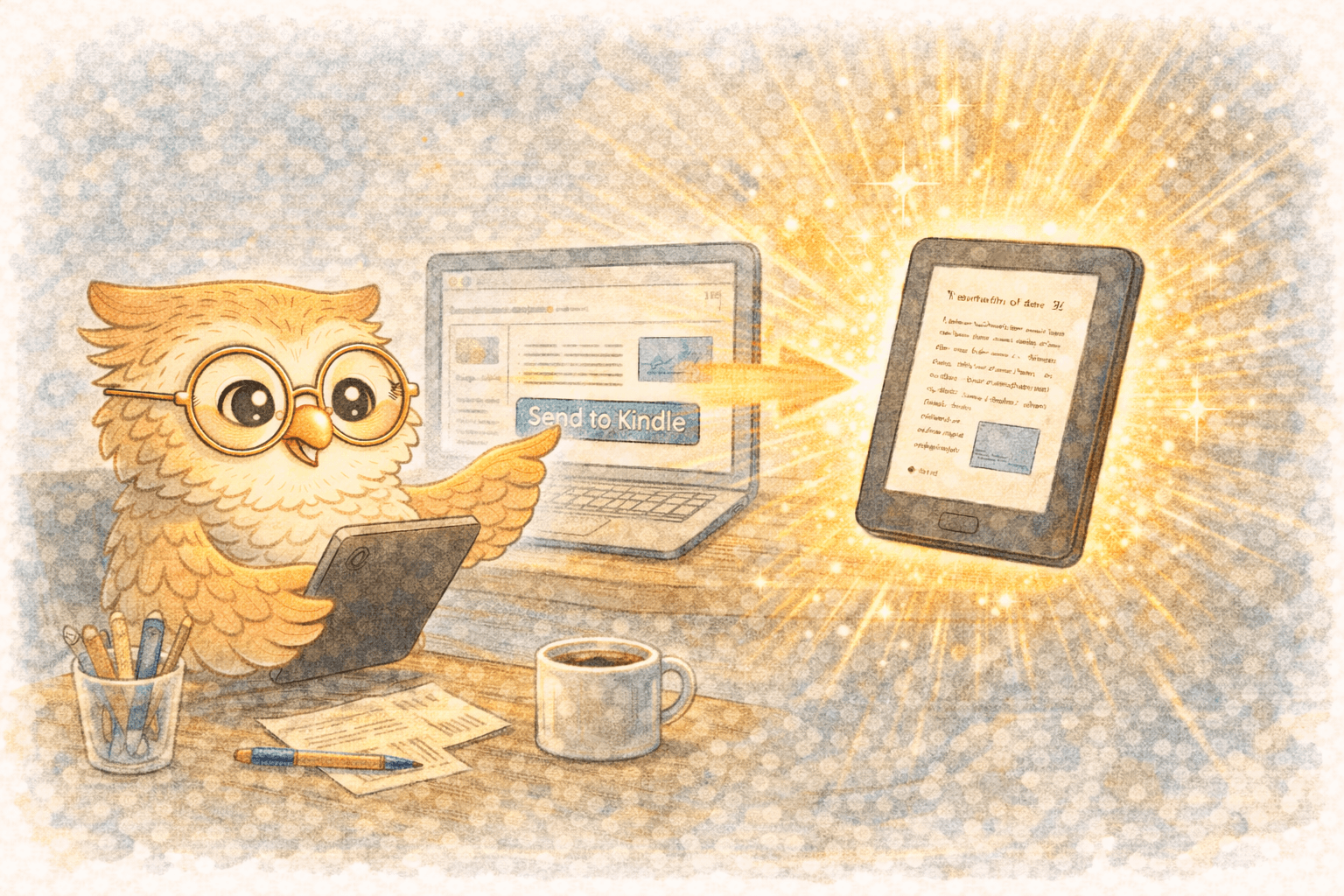
- You find an article
- Click a browser button
- The article is cleaned up and converted automatically
- It appears on your Kindle shortly after
No forwarding.
No attachments.
No waiting around wondering if it worked.
Behind the scenes, these tools:
- Strip ads, menus, and clutter
- Format content specifically for e-ink
- Deliver via cloud sync instead of email
The result feels almost invisible — which is exactly what you want.
It’s not just about articles anymore 📚
Once delivery is easy, your Kindle becomes more than an ebook reader.
Modern e-reader-focused tools also support:
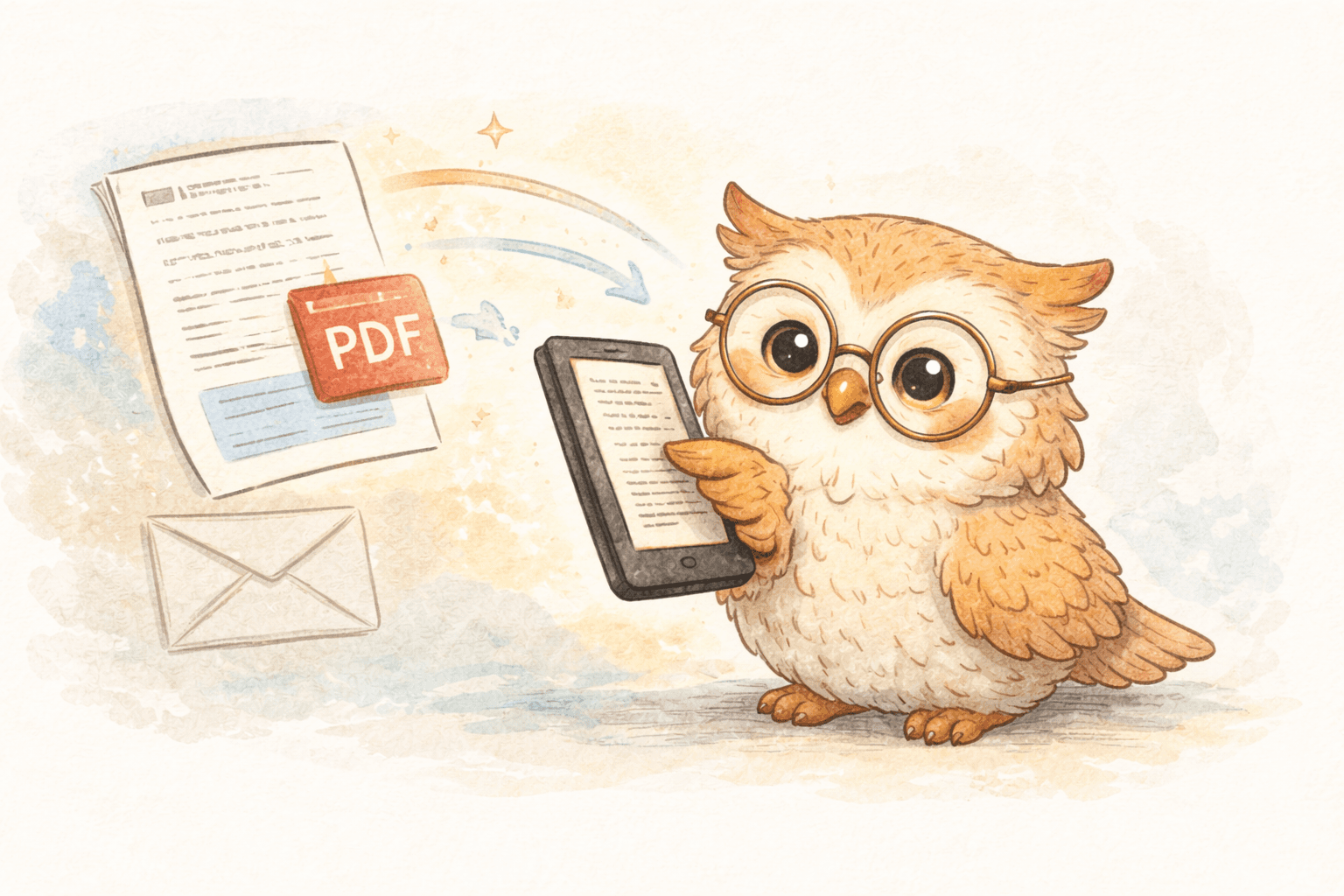
- PDFs and documents
- Email newsletters
- Research papers (including arXiv / medRxiv)
- EPUBs, DOCX, Markdown, and plain text
Your Kindle turns into a personal reading hub, not just a book device.
And because everything lives in the cloud:
- Your content is backed up
- You can switch devices without losing anything
- Your reading library stays organized over time
Reading and remembering: highlights that don’t disappear 🧠
One common concern with reading on Kindle is:
“How do I keep track of what I learn?”
The best tools solve this by exporting your highlights and notes to:
- Notion
- Google Docs
- Readwise
That way you get:
- Distraction-free reading on Kindle
- Structured knowledge storage elsewhere
You don’t lose insights — you just capture them later, calmly.
What to look for in a Kindle article-sending tool 🔍
If you’re evaluating options, focus on a few things:
- Speed – does content arrive in minutes, not tens of minutes?
- Formatting quality – does it actually look good on e-ink?
- Device support – Kindle, Boox, or cloud sync (Google Drive/Dropbox) for other e-readers?
- Cloud library & backup – can you switch devices safely?
- Highlight export – can insights flow into your notes?
- Simple workflow – one click, not a ritual
Why LibSpace fits this workflow well 🎯
LibSpace is built specifically around e-readers — not as an add-on, but as the main use case.
What that means in practice:
-
Fast delivery Articles show up on Kindle in about 1–2 minutes (often faster on Boox).
-
Works with any e-reader Direct integration with Kindle and Boox. Plus, sync via Google Drive or Dropbox for Supernote, PocketBook, and other e-readers.
-
Clean, e-ink-first formatting No clutter, no broken layouts — just readable text.
-
Cloud-based reading library Your articles are backed up and accessible across devices.
-
Broad format support Articles, newsletters, PDFs, research papers, docs — all in one place.
-
Highlight export Send notes to Notion, Google Docs, or Readwise.
-
Low-friction trial 30 days free, no credit card required.
It's designed to quietly disappear and let you read.
A simple reading workflow that actually sticks 🌱
Most people end up with something like this:
- Save articles during the day with one click
- Read them later on Kindle — evenings, weekends, commutes
- Highlight what matters
- Export notes when needed
- Keep the inbox and browser tabs clean
Reading becomes intentional again — not something you feel behind on.
Ready to try it? 🚀
If you:
- save articles but rarely finish them
- want to read more without staring at a screen
- like your Kindle and want to use it more
…this is worth trying.
👉 Start a free 30-day trial at LibSpace.io
No credit card. No setup pain. Just save an article and see it land on your Kindle.
Your future self — relaxed, focused, actually reading the things you save — will thank you.
Darcy Reno
Founder of LibSpace. 25+ years in technology leadership across the media and entertainment industry — including roles at Constellation Software, Electronic Arts, and Technicolor, and working alongside studios like DreamWorks Animation, Disney, and Nickelodeon. A passionate reader, Darcy built LibSpace to bridge the gap between online content and e-readers, with a focus on long-form articles, research, and journalism.
Try LibSpace Free for 30 Days
Send articles, documents, and web pages to your e-reader in seconds. No credit card required.