Send Articles to Boox in Seconds: Skip the App Hassle

📱➡️📖 Send Web Articles to Your Boox in Seconds (No Apps, No Cables)
There’s nothing quite like settling in with an e-reader: crisp e-ink, zero distractions, and battery life that lasts longer than some startups.
But if you own a Boox (or any e-ink device), you’ve probably hit the same annoying wall:
You find a great article online… and then getting it onto your device becomes a whole thing.
Downloads. File formats. Cables. “Where did it save?”
And somehow, your perfect reading moment turns into a mini IT project.
The good news: you can skip all of that now.
In this guide, we’ll walk through a simple, modern way to send articles, blog posts, and research papers to your Boox in seconds — and actually keep your reading habit enjoyable.
Why the old workflow never sticks ⚙️
Most “send to e-reader” methods still feel like a checklist:
- download the file
- convert it (maybe)
- connect a cable
- drag it somewhere
- eject
- hope it shows up
It works… but it’s just annoying enough that you end up doing the thing you didn’t want to do:
- reading long articles on a phone
- leaving 37 tabs open
- bookmarking stuff you never touch again
This isn’t a motivation problem. It’s a friction problem.
What you actually want (and what Boox is good at) 🎯
Boox devices are fantastic at the part that matters:
- comfortable long-form reading
- distraction-free focus
- great annotation (especially on stylus models)
- easy offline access
So the real goal is simple:
Discover content anywhere → send it instantly → read it later on your Boox.
No extra apps. No file babysitting.
How modern Boox delivery works 🚀
The best setup today looks like this:
- You’re reading something in your browser
- You click a Save to Boox button (via an extension)
- The service cleans up the article (removes clutter/ads/navigation)
- It converts it to a Boox-friendly format (usually EPUB)
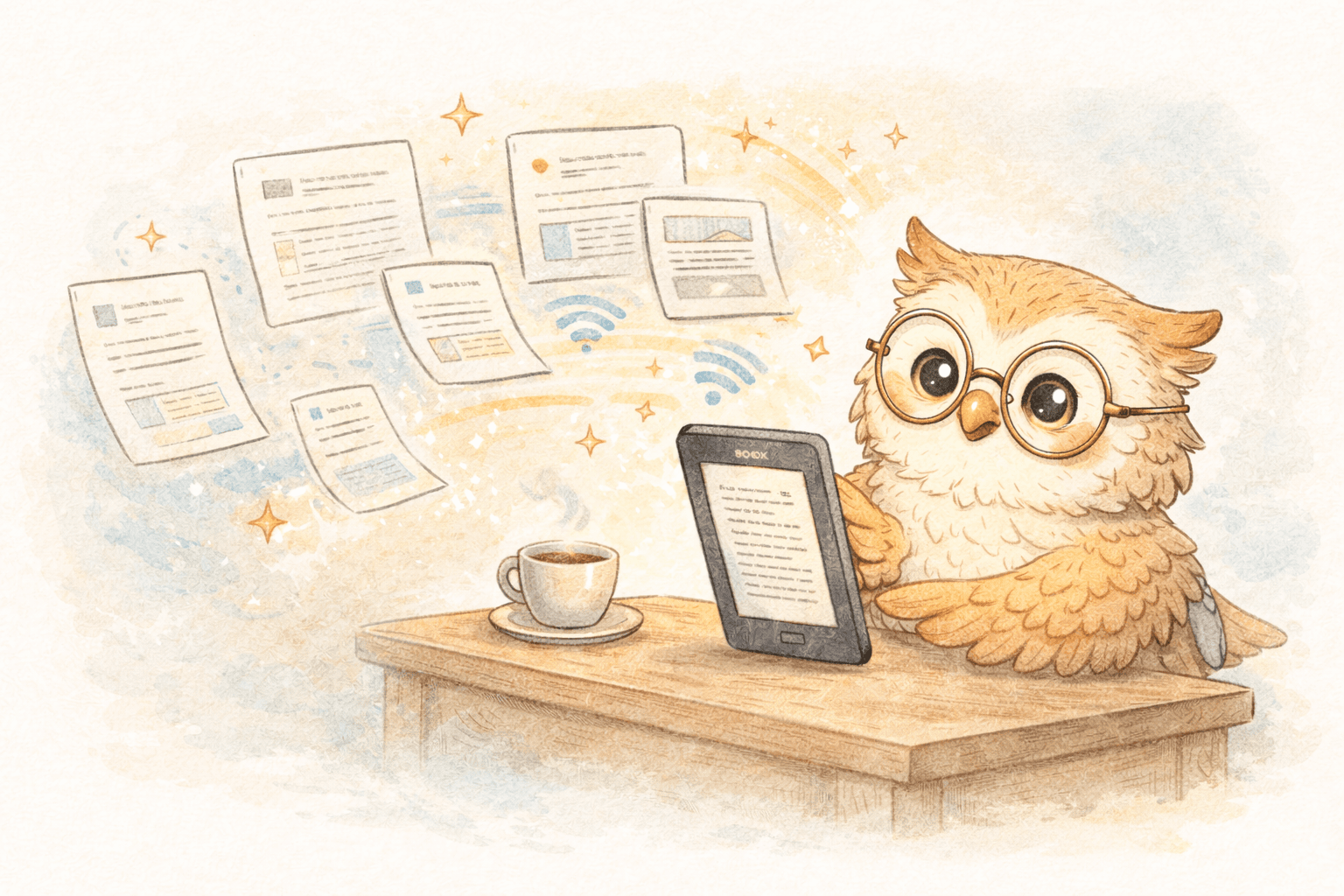
- Your Boox syncs it over Wi-Fi
That’s it. The whole thing becomes a two-second habit.
And when saving is that easy, you save more — and you actually read more.
What makes an e-reader-first tool worth using ✨
If you’re comparing options, here’s what matters (and what doesn’t):
✅ One-click saving
If it’s more than one step, you won’t do it consistently.
✅ Clean formatting for e-ink
You want the article, not the site chrome, cookie banners, and “subscribe” popups.
✅ Fast delivery
If it arrives quickly, it stays part of your flow.
✅ Support for more than web articles
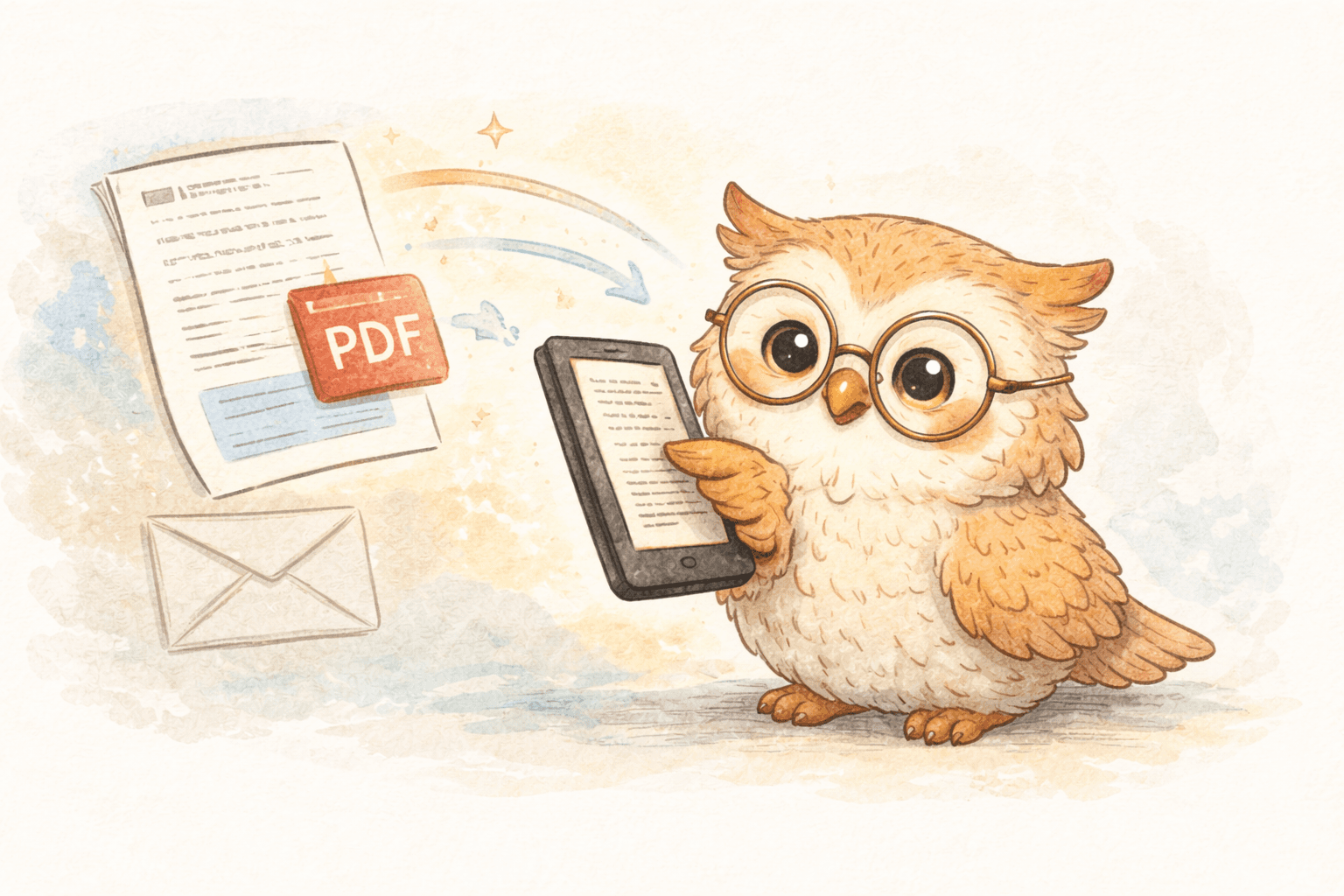
Because real life includes PDFs, docs, newsletters, and research papers.
✅ Highlight/annotation export (optional but great)
If you like capturing ideas, syncing highlights to Notion / Readwise / Google Docs is a bonus.
A simple workflow that actually feels good 📚
Here’s a practical way most people end up using this:
- Save articles during the day with one click
- Read them later (commute, couch, coffee, before bed)
- Highlight what matters
- Export notes when you feel like it
- Delete/archive the rest with zero guilt
This turns “content hoarding” into an actual reading habit.
Where LibSpace fits in ⚡
LibSpace is built specifically for this "e-reader is the destination" workflow.
What you get:
-
Fast delivery Boox delivery is typically seconds (often under 30 seconds). Kindle in 1-2 minutes.
-
E-ink-friendly formatting Clean EPUB output that reads like a proper book chapter, not a broken webpage.
-
More than articles Web pages, PDFs, newsletters, docs — plus research paper sources like arXiv/medRxiv.
-
Works with any e-reader LibSpace integrates directly with Kindle and Boox devices. Plus, if your e-reader supports Google Drive or Dropbox (like Supernote, PocketBook, or others), LibSpace works with those too.
-
Optional knowledge workflow Export highlights to Notion / Readwise / Google Docs.
-
Low-friction trial 30 days free, no credit card required.
It's designed to quietly do the job and get out of your way.
How to try it (2 minutes total) ✅
- Go to LibSpace.io
- Start the free trial
- Install the Chrome extension
- Connect your Boox account
- Save one article you actually want to read
If it shows up on your device quickly and looks good — you’ll immediately know if it’s for you.
Ready to stop fighting the “save for later” pile? 🚀
If you love your Boox and want to use it more, the biggest upgrade isn’t a new device.
It’s making sending as easy as saving.
👉 Try LibSpace free at https://libspace.io
No credit card. Save an article. Watch it land on your Boox. Enjoy reading again.
Darcy Reno
Founder of LibSpace. 25+ years in technology leadership across the media and entertainment industry — including roles at Constellation Software, Electronic Arts, and Technicolor, and working alongside studios like DreamWorks Animation, Disney, and Nickelodeon. A passionate reader, Darcy built LibSpace to bridge the gap between online content and e-readers, with a focus on long-form articles, research, and journalism.
Try LibSpace Free for 30 Days
Send articles, documents, and web pages to your e-reader in seconds. No credit card required.